
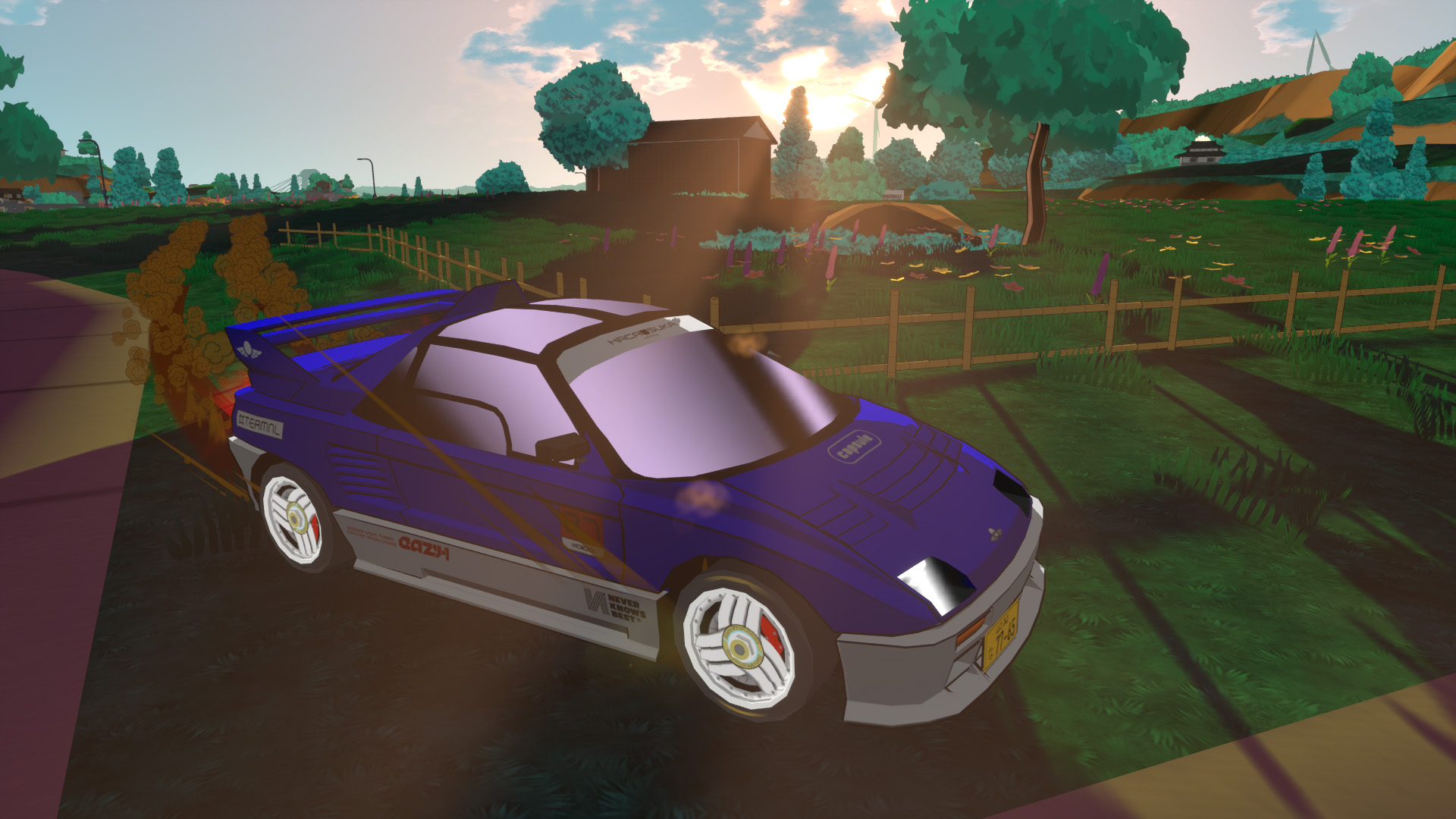
Happy November folks! It’s been too long since my last update and I apologize. I kept telling myself “I’ll make a new blog post after I’m done with this NPC logic update”, and well, it has been taking a while longer than I thought.
I’ll get to the opponent logic rabbit hole I just mentioned in a moment, but first, some fun stuff! As you may have seen on socials, the driving physics are getting a big overhaul! You can drift, and the cars actually have body roll now! They are 9000% less stiff.
Disclaimer – most of these updates are not yet in the public demo, but I’m hoping to push an update in the coming weeks.
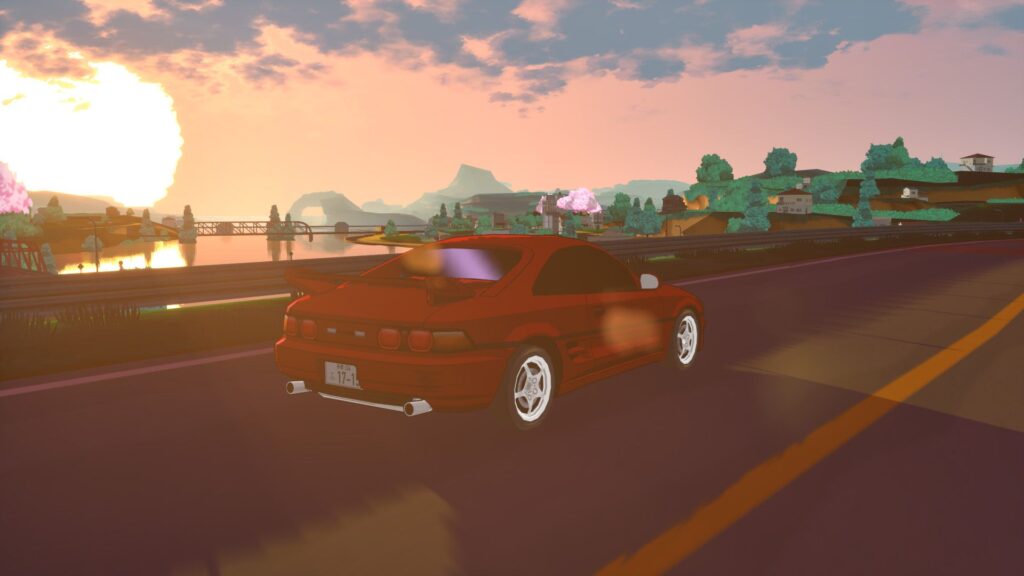
Just Roll With It
Fixing vehicle stiffness and lack of body roll was an easy one – so easy that it was actually stupid.
Before:
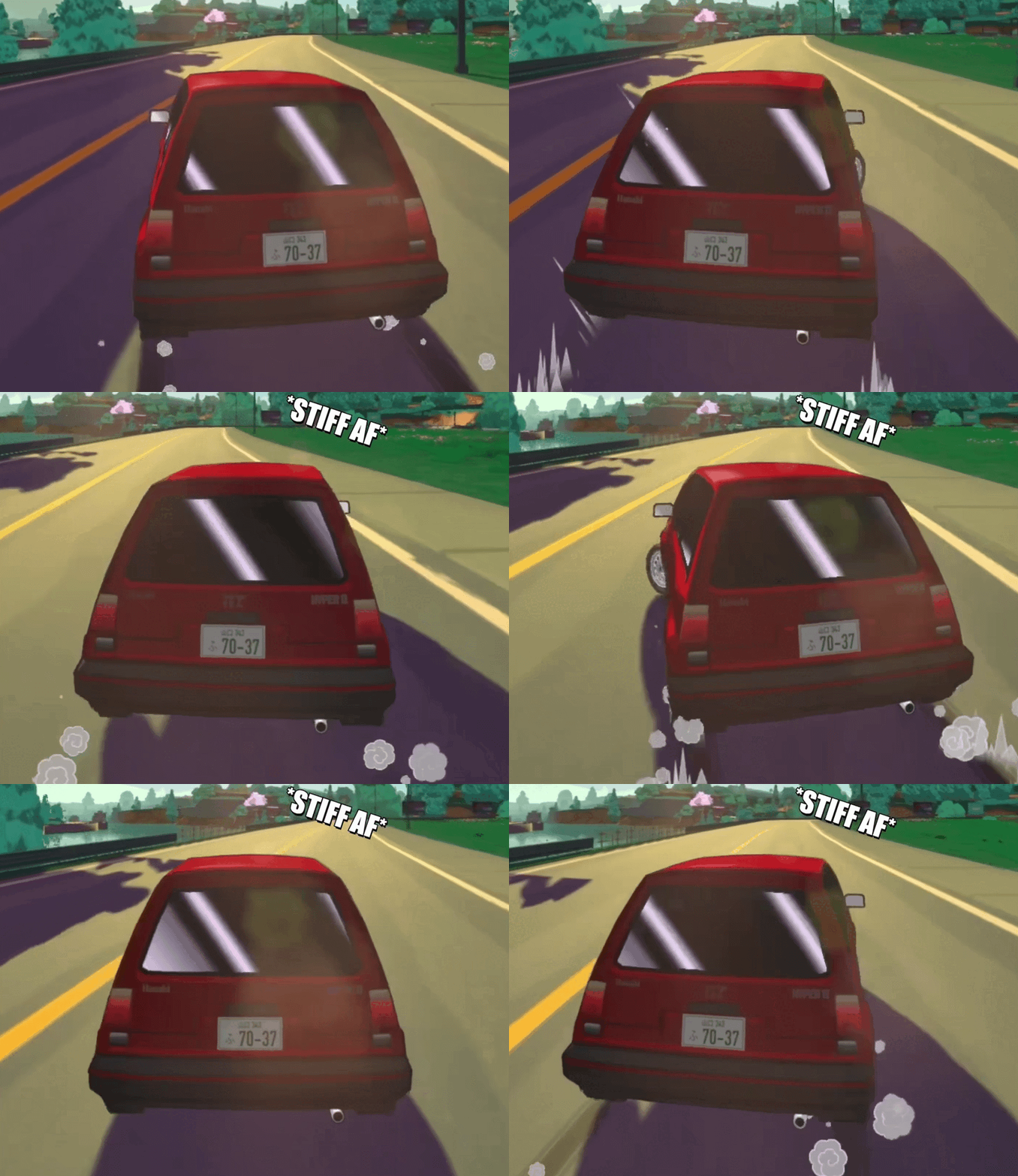
And after:
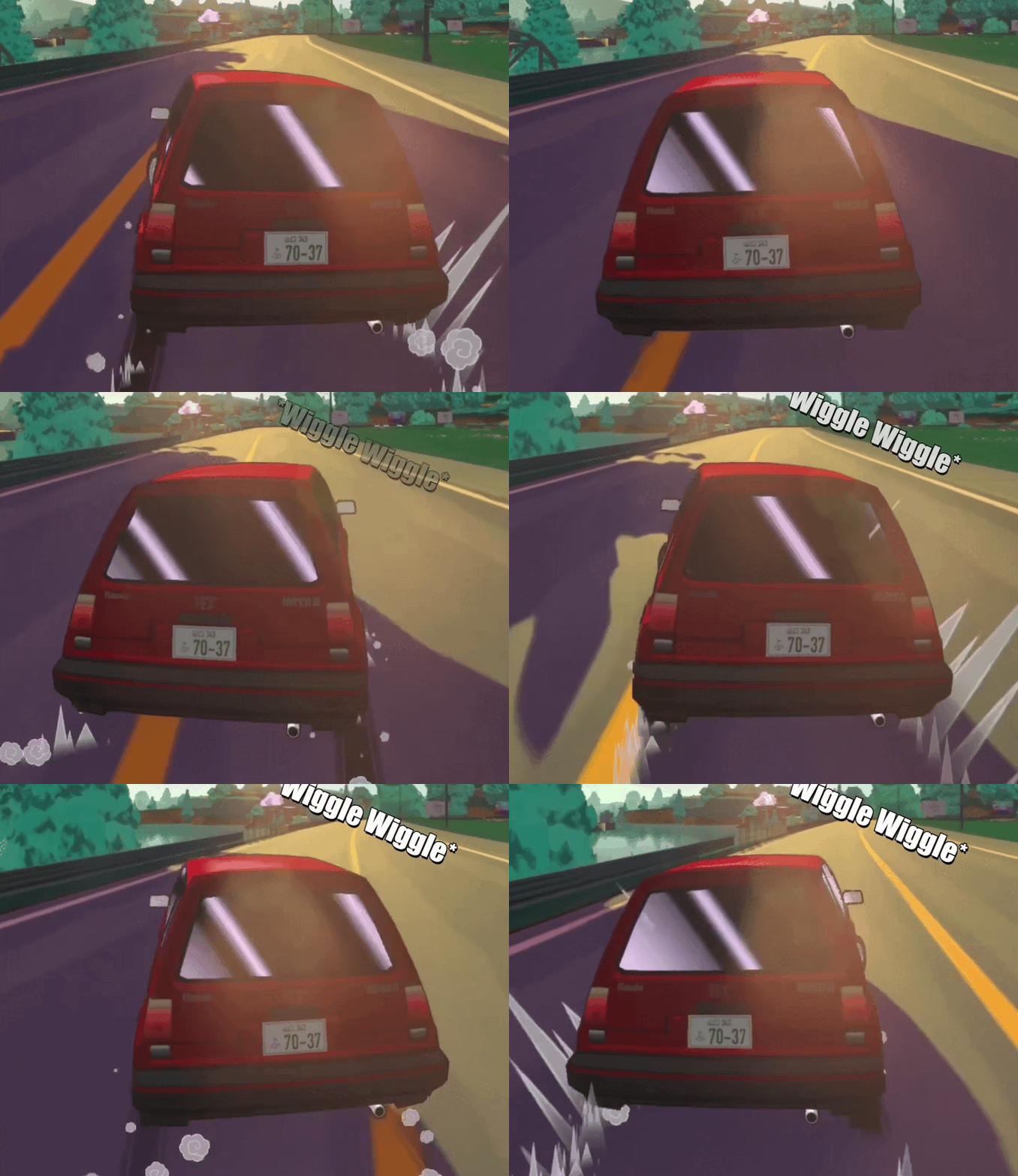
There is a single variable called “Legacy Wheel Friction Position” that I had to uncheck within Unreal Engine. I have no idea why it was selected in the first place, but long story short, it’s a legacy option which is used to correct a bug in an earlier version of Unreal where the wheel positions were mis-calculated with an offset.
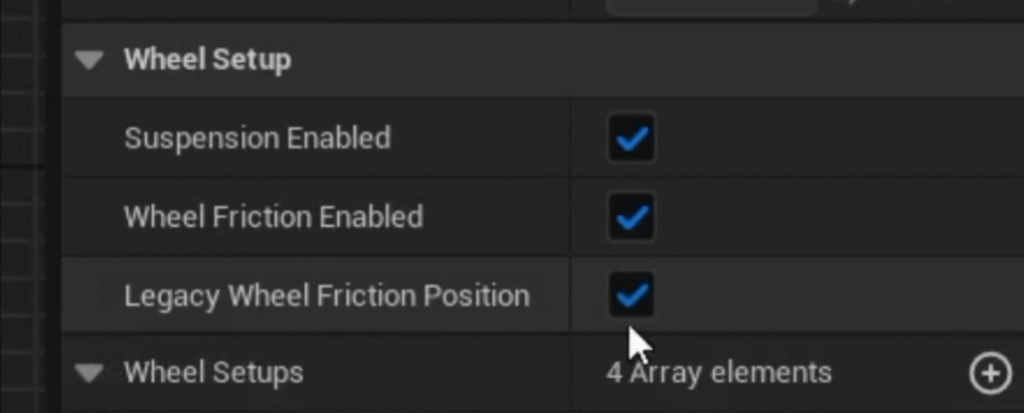
However, having it selected when unneeded causes the wheel positions to again become offset (since it works by adding an offset to fix the original offset). With this incorrect offset gone, the cars behave more like cars and less like bricks.
Drifting Off Course (And Then Back On Again)
The best part of the physics overhaul though, is the improved ability to drift. The drift mechanic in the game was kind of an afterthought that I threw in, and a lot of players felt it was frustrating and didn’t help with racing. After enough reviews mentioning it, I couldn’t leave it untouched.
One thing that really stuck with me though, was watching a well known racing Youtuber playing on stream. He mentioned, quite frankly, that it would be way more fun to be able to drift all the way around the road circling the peach tree, and I thought.. Damn, he’s right.
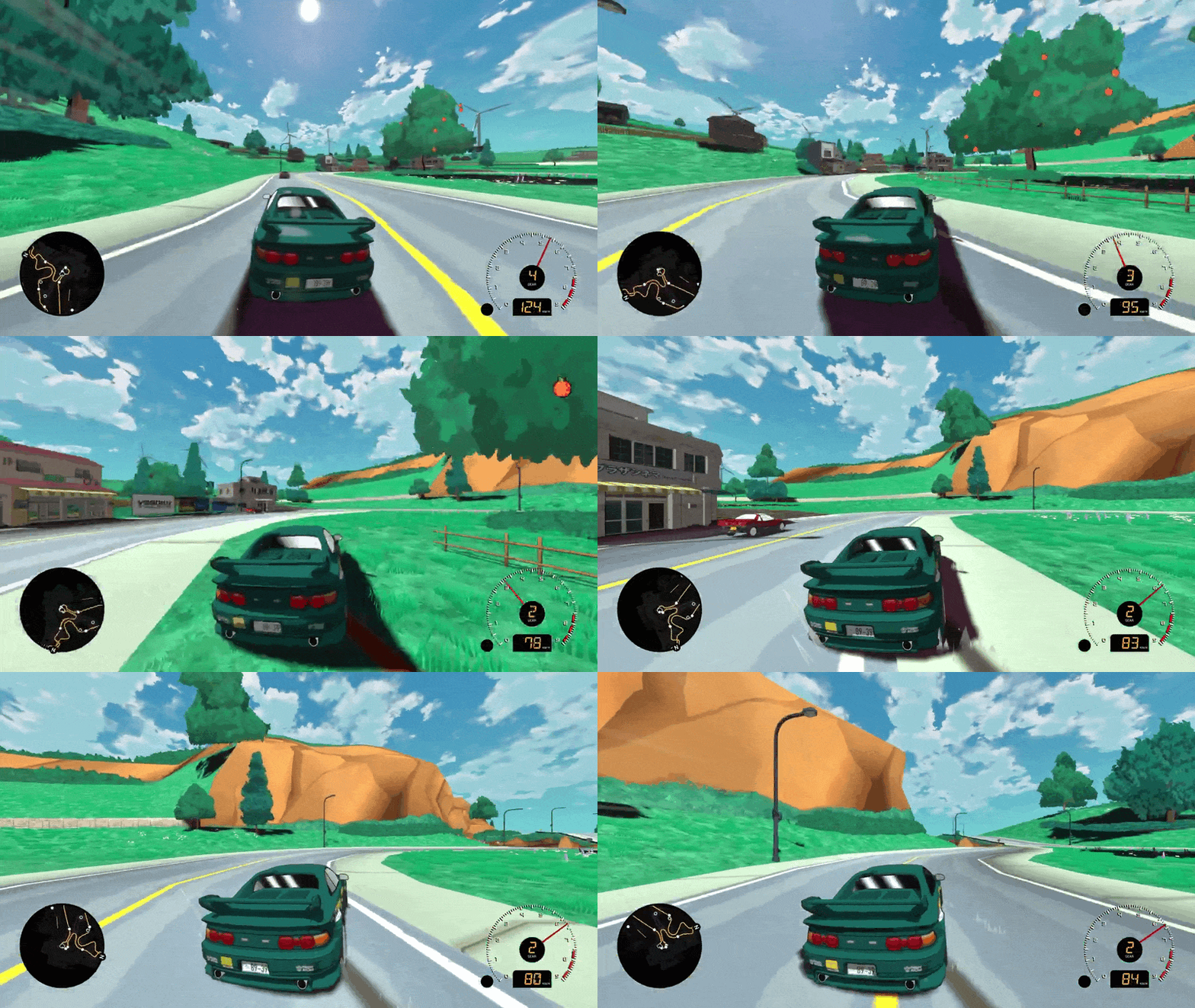
Hacao doing said drift.
As such, you can swing your car out much more easily now, and the vehicle will attempt to stabilize itself in your drift – sort of similar to Ridge Racer but also definitely not. You can pretty easily maintain a good drift while keeping your speed up, though you can still spin out. There is an auto stabilized countersteer which will help you hold your drift so you can focus on your racing line, but you can turn this off in the options menu if you want a more difficult experience. Cars will also shift as needed to keep your RPMs in the top half of the vehicle’s range.
This was a fun puzzle to figure out, and it ended up being a combination of controlling how far the vehicle’s body can move while drifting, speed at which it can ‘snap’ out of the drift, and applying a little bit of helpful force in the right directions so you don’t slow down. By default, Unreal’s Chaos Vehicle physics really want you to grip the ground and slow down.
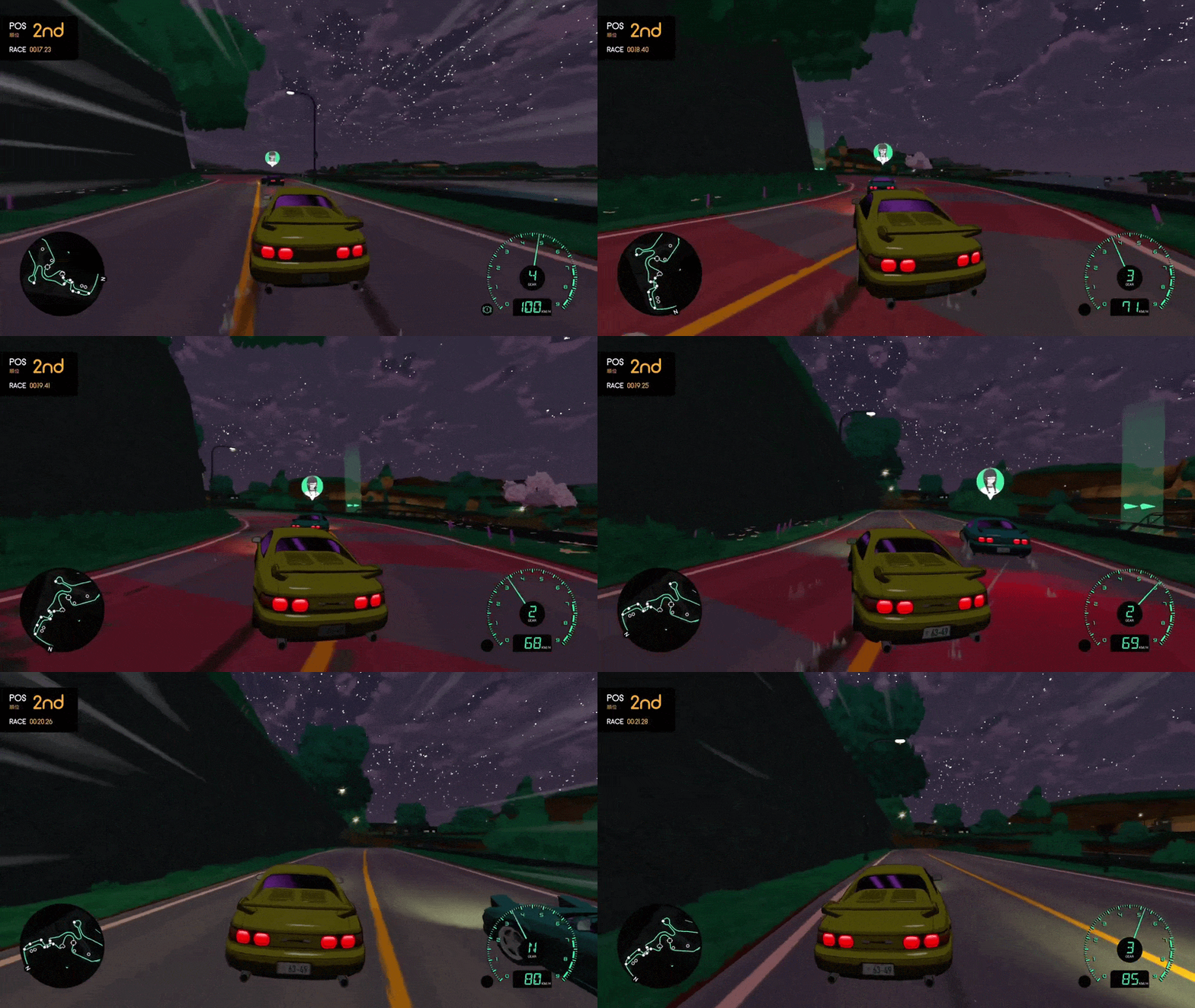
Hamsuko reliving the Kaido Genkai game trailer (which he created).
With this new mechanic, races are actually quite a bit faster since you can come out of corners at a higher clip than before, meaning the races and opponents all need to be tweaked. The drift ability is also something I tune independently on each car, so some cars will drift better than others and hold their stability differently. Well worth the effort though. We’ve been playtesting this change in Discord, and pretty much everyone has agreed it’s a huge upgrade.
Now for the opponent logic that I alluded to in the intro of this post.
Splines, Lines, and Trying Times
You may have noticed that the opponent logic in the demo is often broken. For example, if you time it just right, the introductory tutorial race can sometimes result in Tomoka driving her kei truck straight into an on-coming car within five seconds of the race starting – something that should be really easy for her to avoid. Additionally, in the final race against Lone Wolf, 90% of the time she will get stuck in the same spot.
More than once, I thought to myself that I had fixed the opponent racer logic, and SURELY they wont do this or that random stupid thing any more. …Just to realize racers do exciting new, stupider things and I need to start over due to fundamental flaws. So this has been quite a mountain to climb and I’d like to take you on that journey.
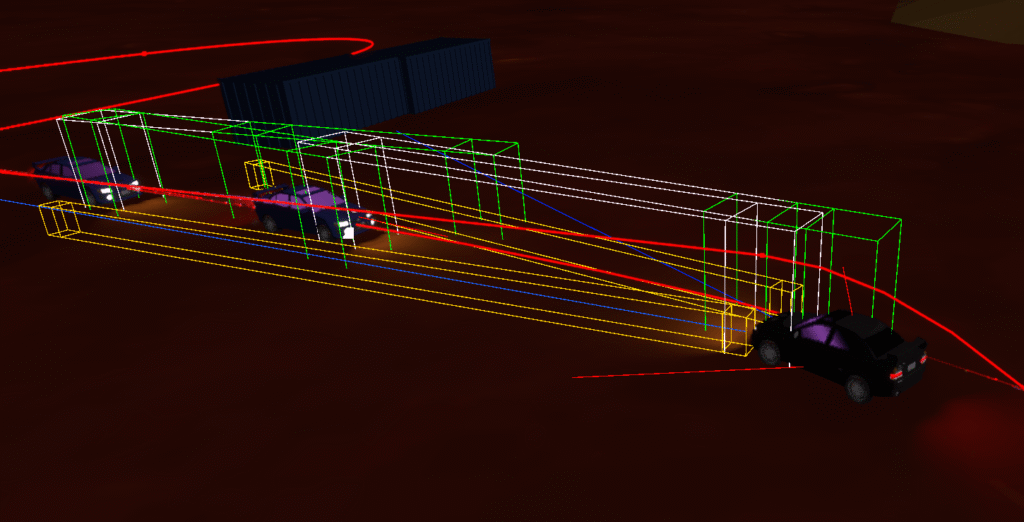
I’ve been working on three separate systems: Spline following (racer pathing), the trace/raycast system (shoots invisible lines and boxes to detect cars and objects around the opponent vehicle), and then the decision tree regarding what to do with gathered information: steering, throttle and braking.
I’m a little embarrassed, I think a more experienced programmer could have taken less time with all this, but KG is my first game, so I have had some pretty big obstacles to overcome. I think (hope) I’m on the home stretch now.
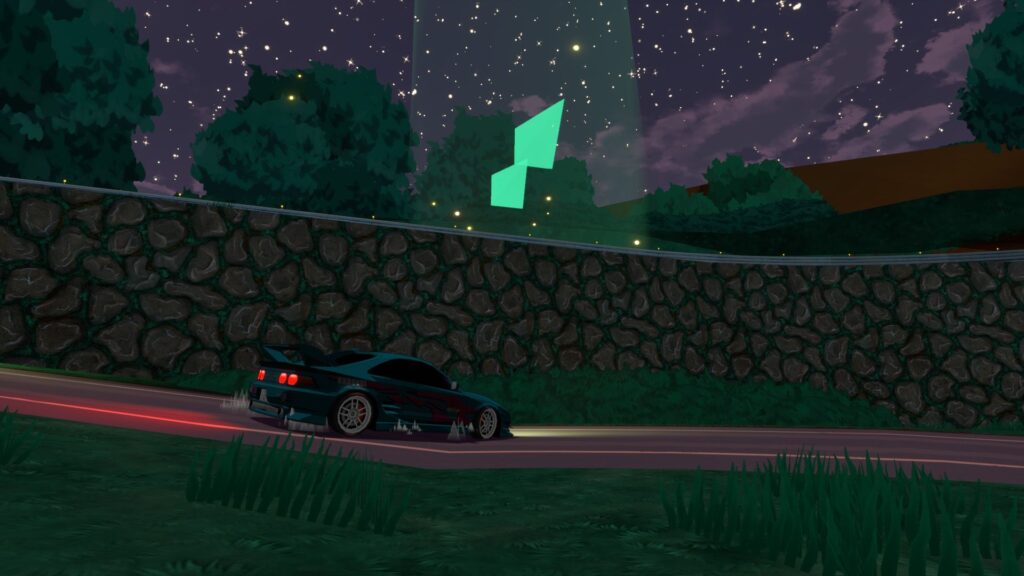
Lone Wolf unable to hit her checkpoint.
Going back to the example of Lone Wolf’s race, I thought she was just overshooting the corner and getting stuck on the downward ramp due to a wall there. An easy fix, I thought. I placed a ‘force brake’ trigger on the corner so she would take it slower, and thus stop her from overshooting into the downward ramp. However, over and over I watched in horror as she failed to make it around the corner. After pulling my hair out trying to determine why this simple brake volume function wasn’t working, I realized it actually was indeed working fine.
Something else was failing – but what?
Many hours of troubleshooting later, I found the cause. She was getting confused because her race path (the spline she follows) overlaps itself in that section, and the path following logic would jump to the wrong section of the spline, taking her down the wrong path.
This is something I thought I accounted for previously, but apparently not well enough! This also explains why at some intersections, traffic cars could randomly fail to take their corners properly, and kind of lazily go straight-ish but also kind of turn but then get stuck. They were being pulled to other sections of their future path.
So, after writing a fundamentally different spline following system, I have that working much better. Cars track two points on their spline: where they think they are, and a ‘look-at’ point, which is where they generally steer towards. The logic will stop itself from attaching to a closer spline section that may be going in a different direction, and it will stop itself from jumping ahead from where it thinks it should be. It can also not go backward, which was a whole other issue.
So that’s the path following portion sorted then.
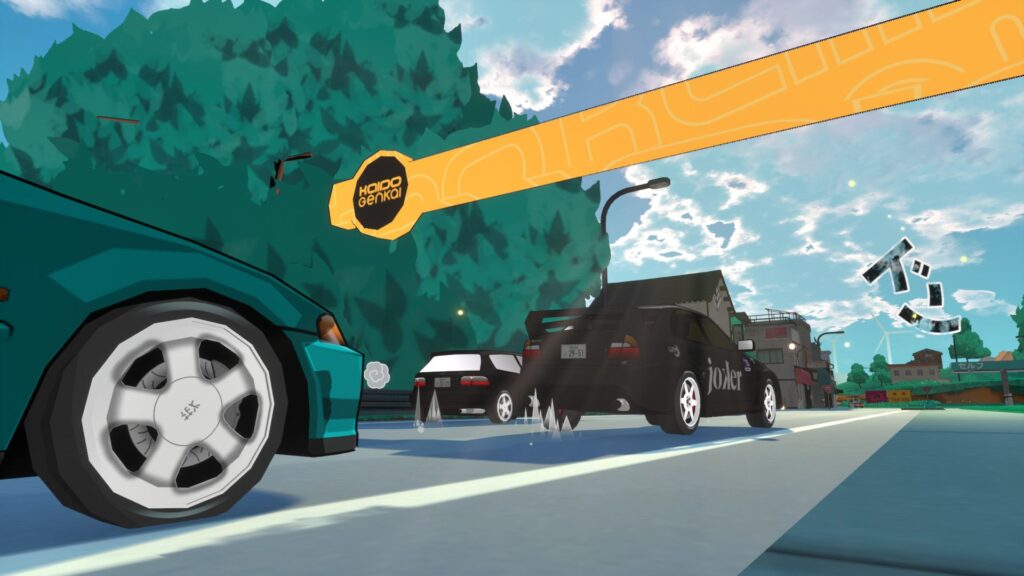
Logic Or Rather, Lack Of It
Next, I set my sights on the steering logic, which necessitated also reworking the tracing system. Like the spline following, these are separate functions that work independently but depend on each other, and I ended up needing to revamp them both in tandem. The tracing system is how the vehicle sees the world around it – in Unreal, we use line traces and box traces, but in other engines you would call these ray casts.
The system is now a lot simpler, using less traces and saving less variables. And instead of doing calculations in the tracing system and pulling those results into the steering/avoidance logic, I kept the tracing results much more ‘raw’ and moved all needed calculations into the steering logic itself. Less convoluted, and after untangling things, I was able to use fewer variables and fewer traces overall.
I spent some time just tweaking values – a lot of guess and check – and I couldn’t get the racers to react much better than they already were. I realized the existing logic system for calculating steering just wasn’t going to cut it. It relied on a series of thresholds to calculate steering (if going this fast and these traces are hit, steer right, but first check if you’re going this much faster than that, and maybe steer right differently)! It got the demo through the door, but I knew that it wasn’t going to work any longer. So I rearchitected it.
I pulled together all the values determined from the line trace system, and created a series of modifiers (weights) that I would then mix together under different circumstances. So when not avoiding accidents, it would depend more on what traces A and B determine and mix them together with A being more important than B. And when avoiding accidents, it would rely more on B and C, but mostly C. It made sense in my head and this took a few weeks.
And the results?
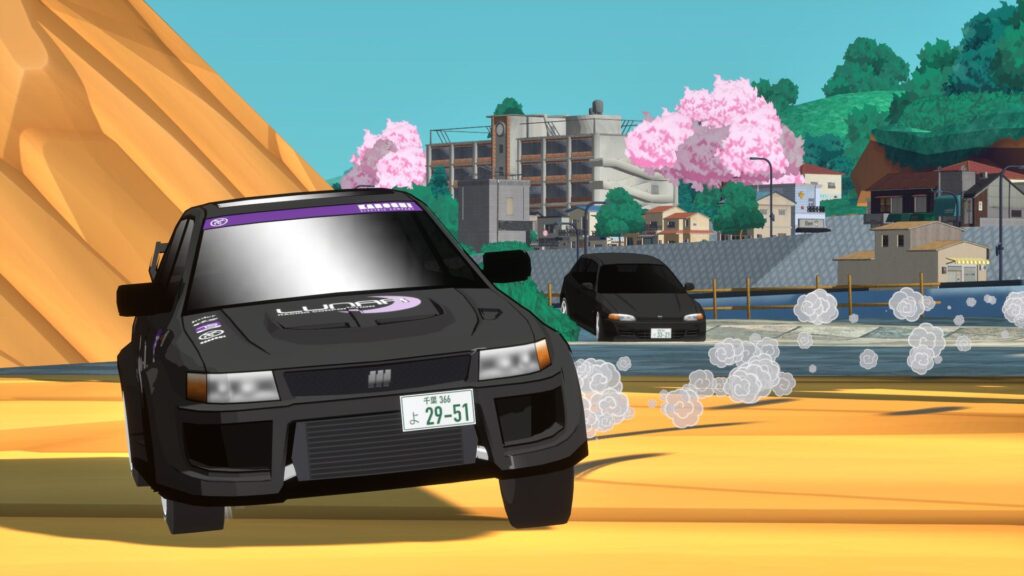
Absolutely terrible. Worse than before. I found myself taking those weighted values and applying even more additional logic on top of it. Suddenly the system was more convoluted than what I started with. Wasted time, I suppose, but I learned a thing or two.
Urgency
So, starting from scratch again, I removed the weighted system that relied on different groups of traces jumbled together, and created a system that relies mostly on three traces at the front of the car first, and then balances them with side traces. The three front traces (left, center, and right) only detect vehicles, and use their distances and closing speed to determine ‘urgency’. The important part though, is that this urgency doesn’t dictate logic, but only serves as an amplifier to increase the steering and throttle responses. It’s not flawless, but it mostly works. I feel like this is something that I could spend a year on if I’m not careful, so, soon I will have to call it good enough. It’s definitely better than before though.
There is also now a ‘crossing vehicle check’, which determines if the racer is detecting another vehicle crossing perpendicular to its race path. Without this, a car coming from the left and travelling right will be detected by the left (and maybe center) trace of the racer, and the racer would think “ah, there is an object to my left, so I will turn right to avoid it!”, but in this case, the crossing vehicle is also travelling right, so this would put the racer directly in the crossing vehicle’s path. A rookie move, indeed. Now the logic will detect this, and will attempt to steer behind the crossing vehicle. It works sometimes.
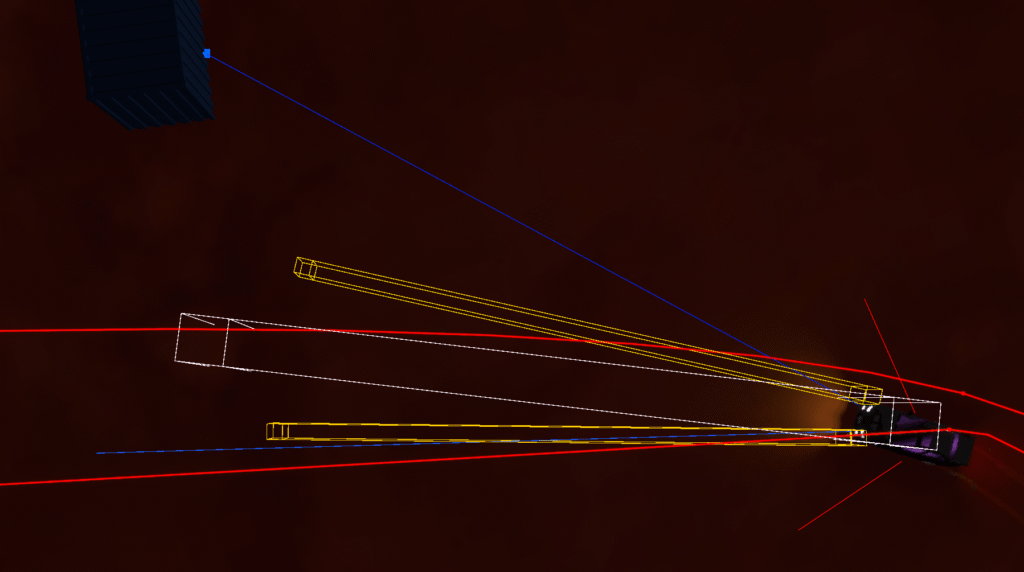
One flaw here is the limited range the racer can see in front of itself – the traces are shaped like a cone – starting at the car and angled outward. It is sized to get a good sense of what is coming up without large ‘gaps’ in its vision, but it can miss vehicles travelling just outside of it, which may still be closing in on the racer and can still result in collisions.
If I make the traces wider, resulting in a larger cone, then there would big gaps in the front ‘vision’ of the racer. I could fix this by adding more traces to detect things, but this will create more complexity and also have performance implications. So for now, I will leave it.
Moving Obstacles
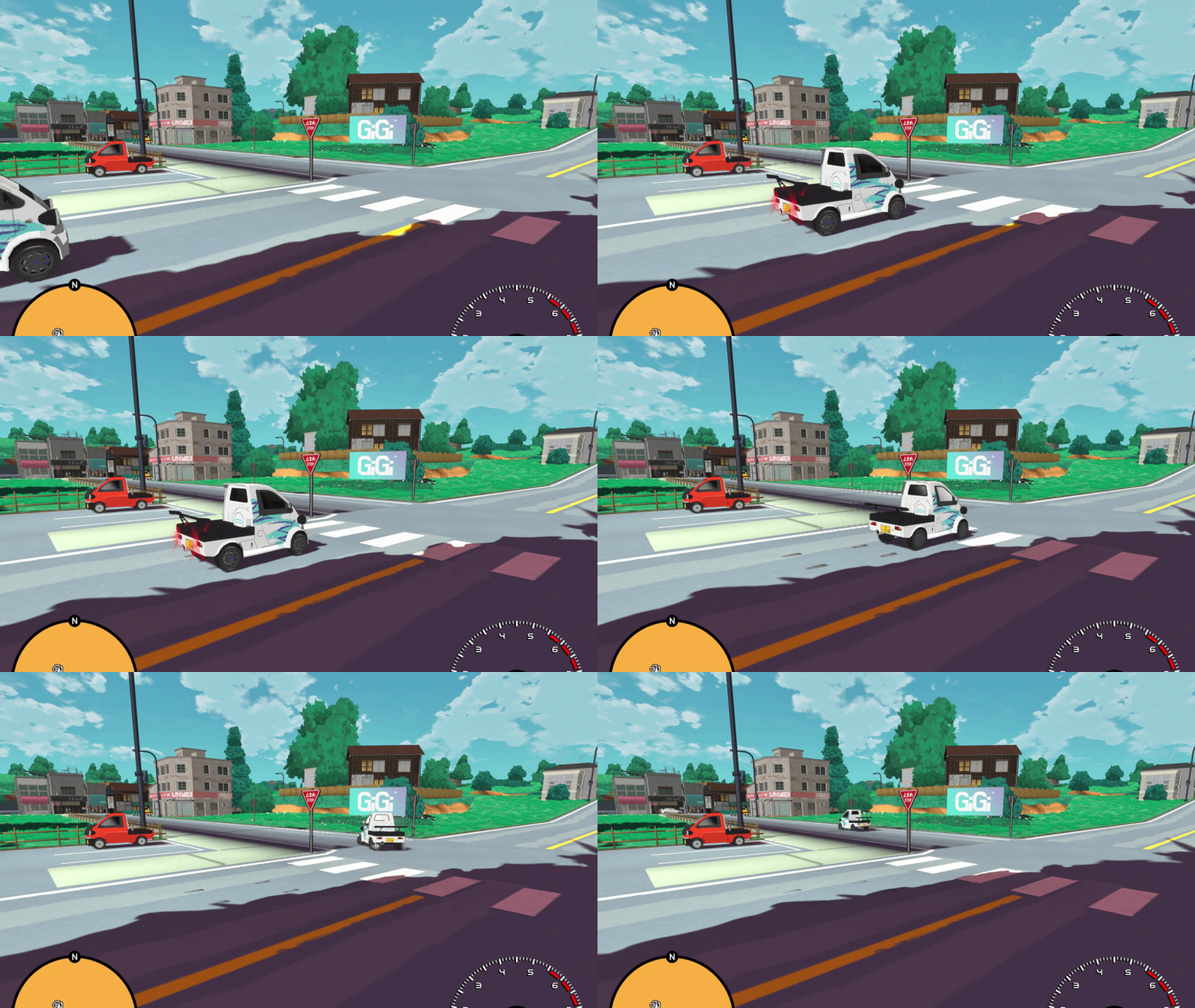
Traffic logic has also been updated and optimized. Previously, each vehicle was running the full trace routine, but now each traffic car only uses two traces and an overlap volume (a clear box that checks what’s inside of it). The logic is simplified, since a lot of code was previously unneeded junk rerouted and left over from re-using the racer logic.
The result is that the traffic is a lot more consistent, detects when to stop better, and that overlap volume exists to detect stop signs… meaning traffic actually stops at stop signs now!
Later, I will add logic to detect which way the traffic cars are predicting to go, and add turn signals. The thing stopping me from doing this currently is setting up and positioning all the signal lights on the cars – it’ll take a hot minute and I think there are bigger things to continue working on first.
Less Obvious Updates
Another improvement that might not be noticeable is the respawn logic. Previously, opponents would simply remember the last position that met two conditions: all four tires were on the ground, and the vehicle was over some form of pavement. When opponents fell into water or had some other mishap, they would respawn in this last known ‘good’ location. This worked okay a lot of the time, but there were edge cases – specifically a race involving some very slow kei trucks where they had to jump over water.
Since they’re so slow, sometimes they wouldn’t make the gap, and the reset logic would respawn the cars back in front of the jump without any room to get up to speed. They easily deadlocked into a depressing cycle of drowning themselves.
Now, when a car has to respawn, it will search down the racing path and respawn the car ahead of whatever has held it up. It will also detect if another vehicle is already there, and keep searching down the path to find a clear spot. If none can be found at a decent distance, then it will fall back to the old logic, just as a fail-safe.
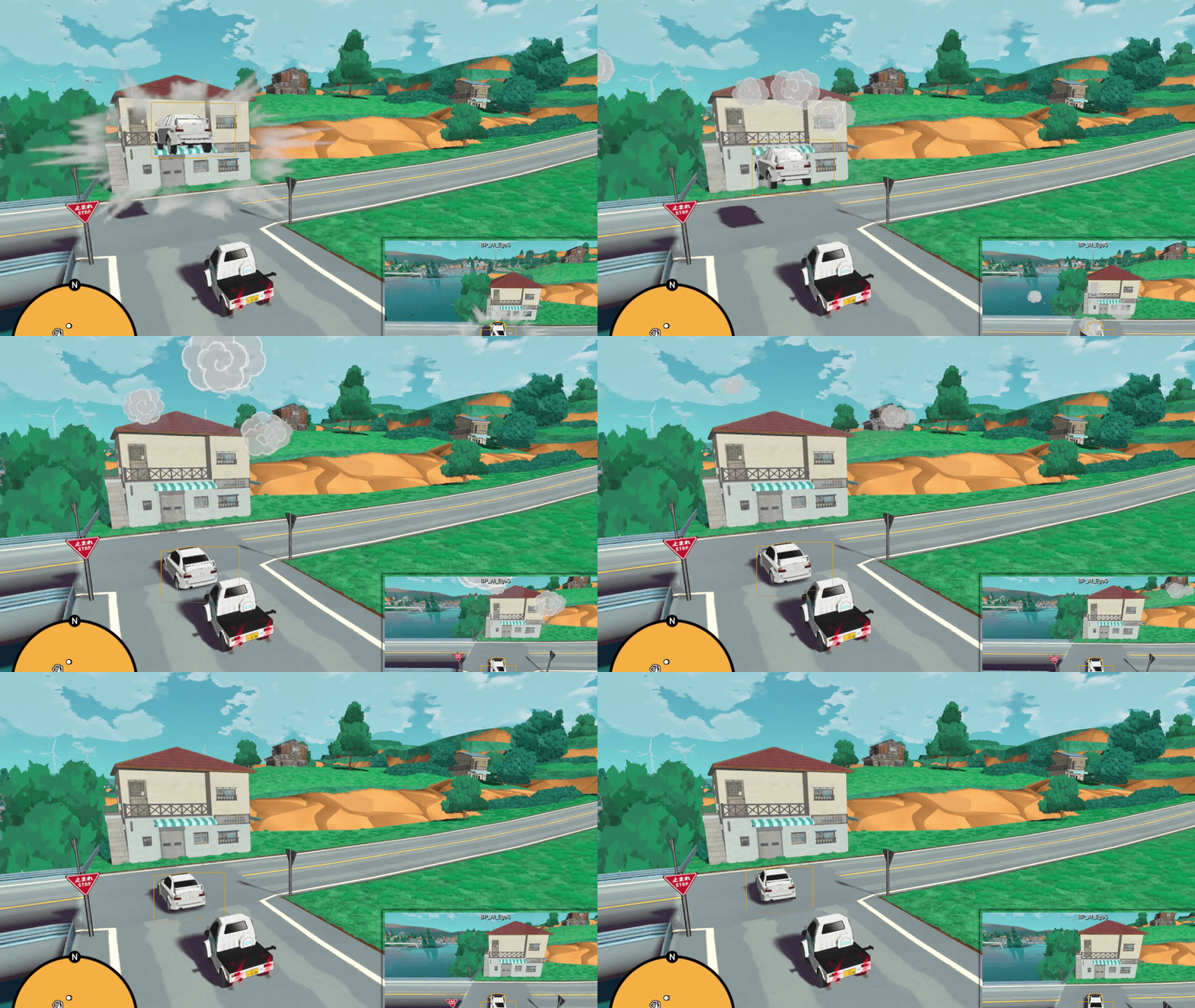
Also, cars go ‘poof’ when they respawn now. Life is about the small things.
Sadly, I have not yet added any upgrades to the player’s respawn logic, but it’s well on my radar. I know that it can be frustrating when a player gets stuck on the edge of a cliff. We’ll get there.
A few other changes that I thought I’d also mention here are that opponents are now aware when they miss a checkpoint, and will turn back to hit it instead of just continuing full throttle down the race path. Also, if they get stuck for too long, they’ll respawn into the race instead of just sitting in a corner indefinitely.
No More Stupid Shifts
Another noticeable improvement to the racing experience is an improved automatic transmission. There were issues, especially in the starter car, where instead of shifting down from fourth to third, it would often instead shift all the way down to first, and then up to second, and then finally to the target gear of third. I never found out why; this was relying on Unreal Engine’s Chaos Vehicle logic, and I can’t seem to find it documented as an issue by anyone else.
Since I can’t edit it directly anyway, I wrote some secondary code that checks the predicted shift first, and if it’s incorrect, will intervene force the correct behaviour. So that’s fantastic.
Random Stuff
Some other random updates are new anti-aliasing options (with some options that really impact game performance in a good way), fixes for missing polygons in the world (oops), less floating grass, fixes for missing collisions on a couple trees (they were there but just too low..), tree leaves no longer occasionally flicker, and higher resolution building textures.
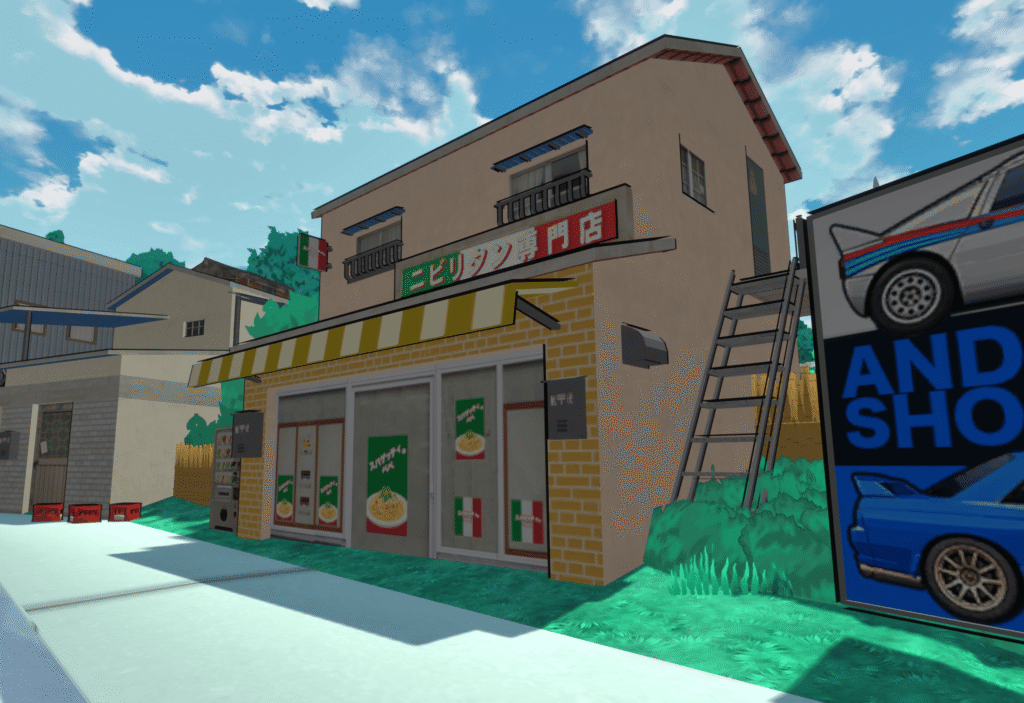
Building Signage
Some of the world’s structures are purchased assets from reputable 3D stock sites – which is kind of fun for me since I occasionally spot a building from Kaido Genkai also in other indie games and I’m like “yeah, we’re all in this together”.
Maybe it was naive, but I figured these assets would mostly avoid using copyrighted logos and branding from real life businesses – something difficult for me to check as someone not familiar with a lot of Japanese brands. Turns out that my assumption was somewhat incorrect, as an amazing member of the community / absolute legend, Mohozumi, flagged. He went through and documented as much of the real life branding as he could so that I could remove and remake it. This included saying goodbye to a well known spaghetti brand that, unbeknownst to me, was very popular to the residents in Kaido Genkai.
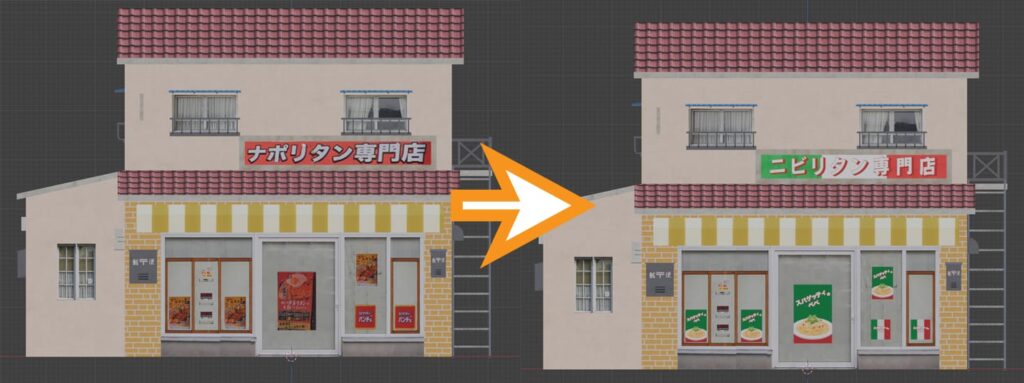
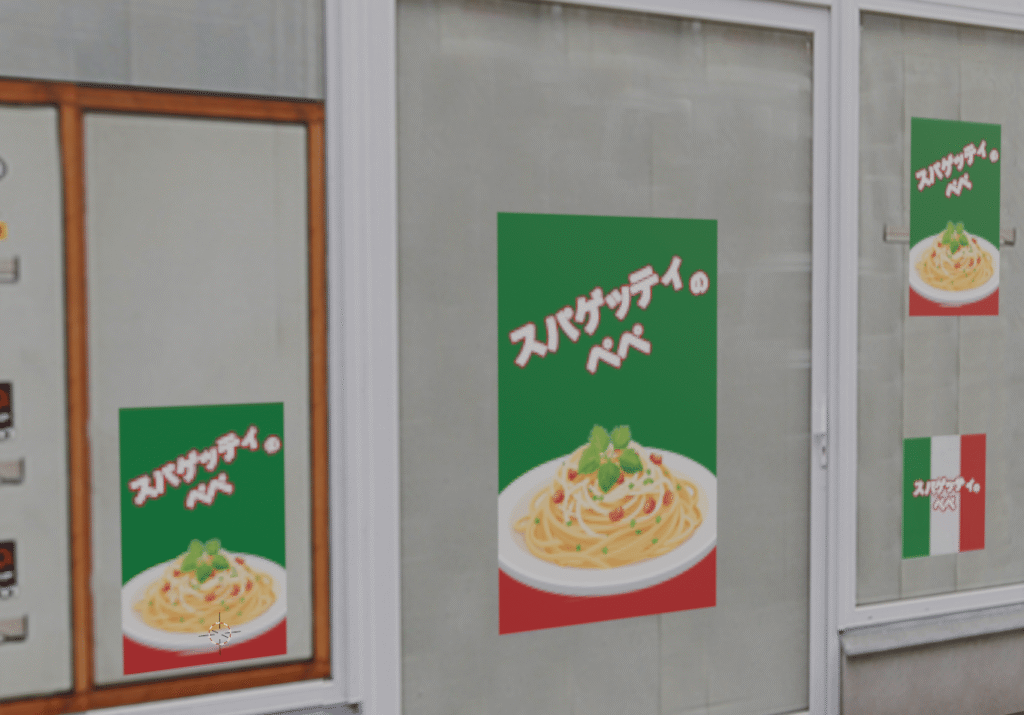
Updating the building also included creating a special fictitious dish for the restaurant to advertise, Spaghetti Pepe: a Nibiru specialty.
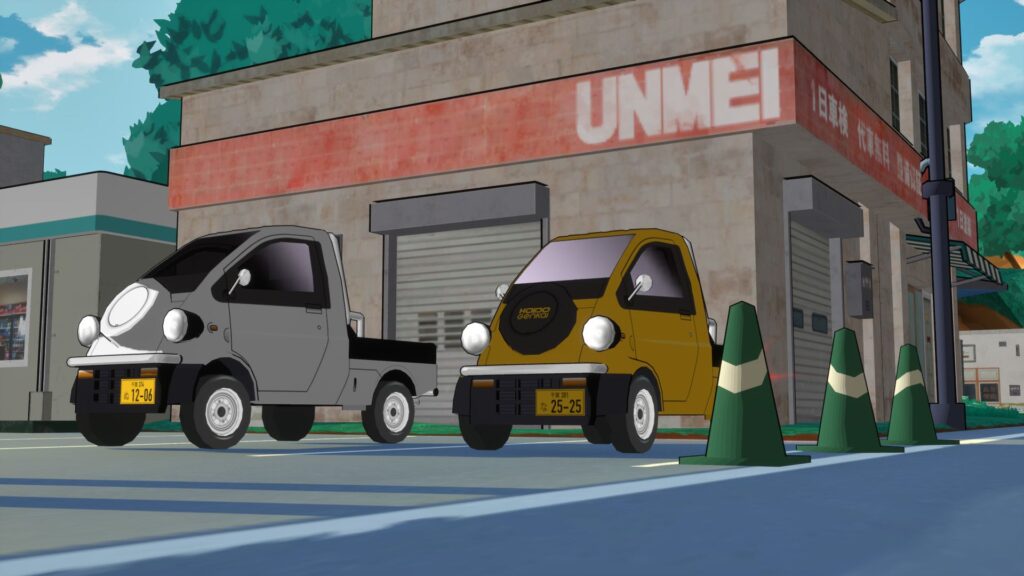
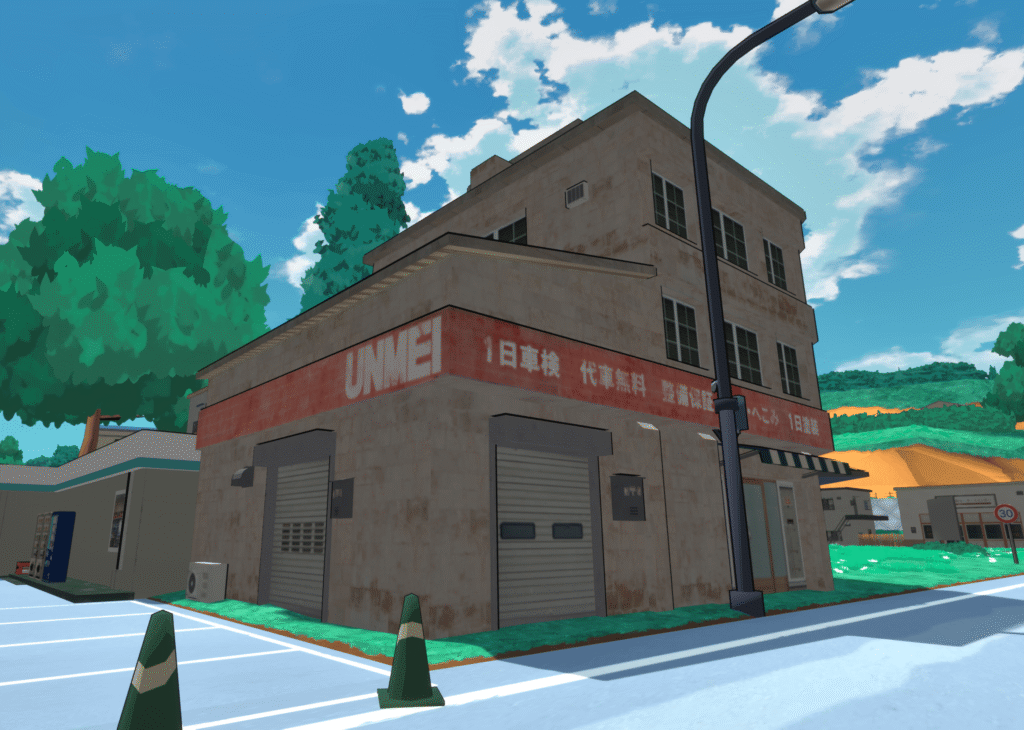
And a few other building updates – In-world brand UNMEI replaces the branding of a garage chain that accidently made it into Kaido Genkai.
And TERMNL now has a dedicated building as well.
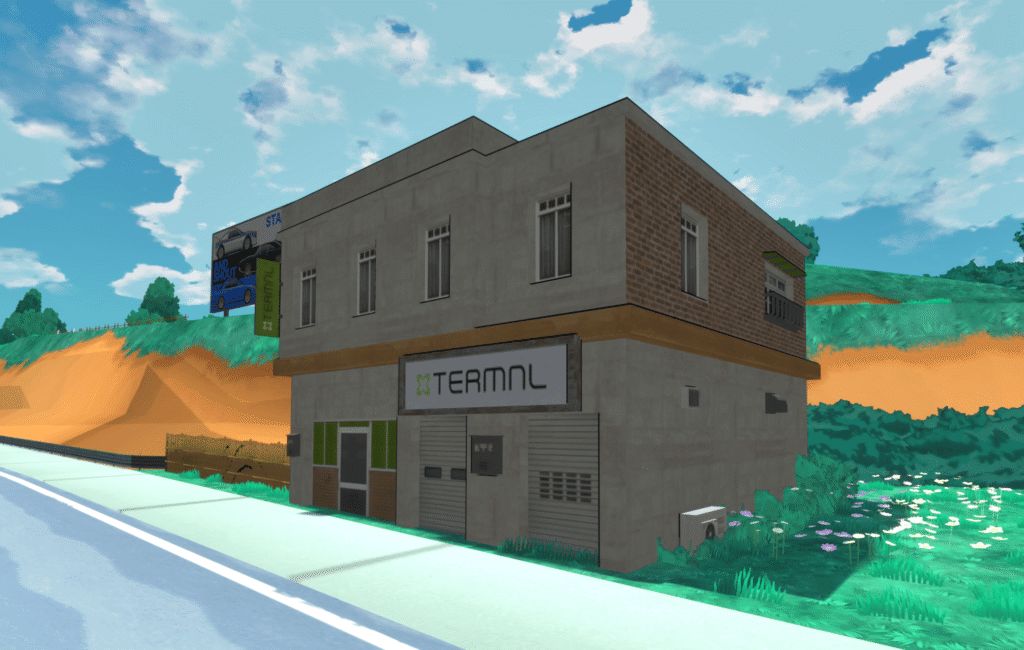
There are tons of tweaks to other ‘generic’ buildings too, but they’re probably not something the average player would ever notice. It feels a lot more cohesive to see the in-game brands properly reflected in the world.
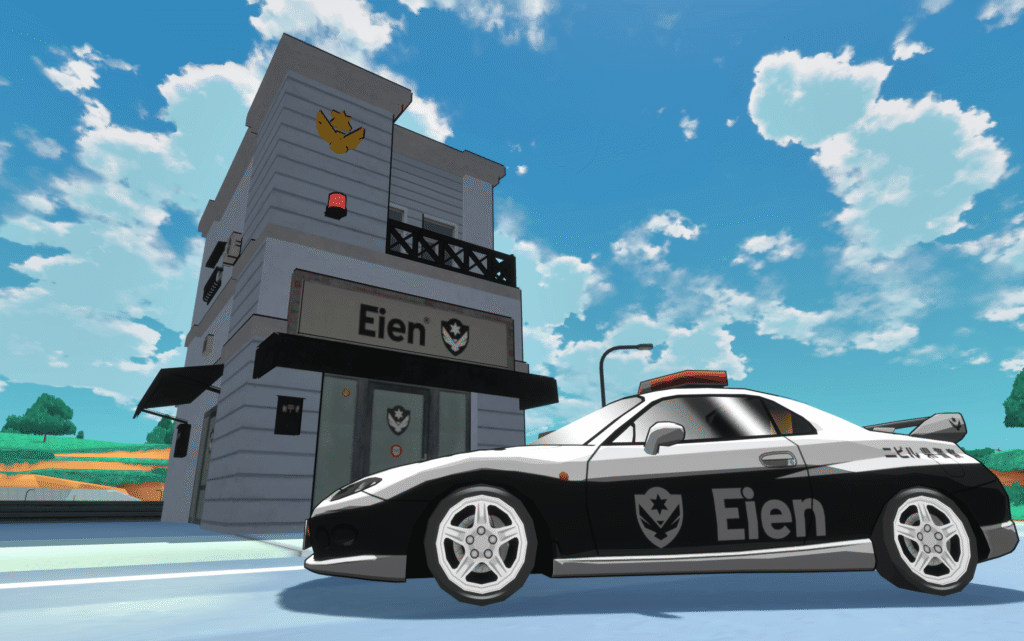
I also took the opportunity to create a dedicated building for Eien with Mohozumi’s input, featuring details a real life Japanese Koban (small neighborhood police station) would have, like the star on top and red light.
Cool Backer Stuff
I think we have all the billboards done except for one, and we’re almost done with all of the character art too! There are a handful of folks I haven’t heard back from though, despite my best efforts to reach out. Please check your emails. I want to put your content in the game! You paid for it!
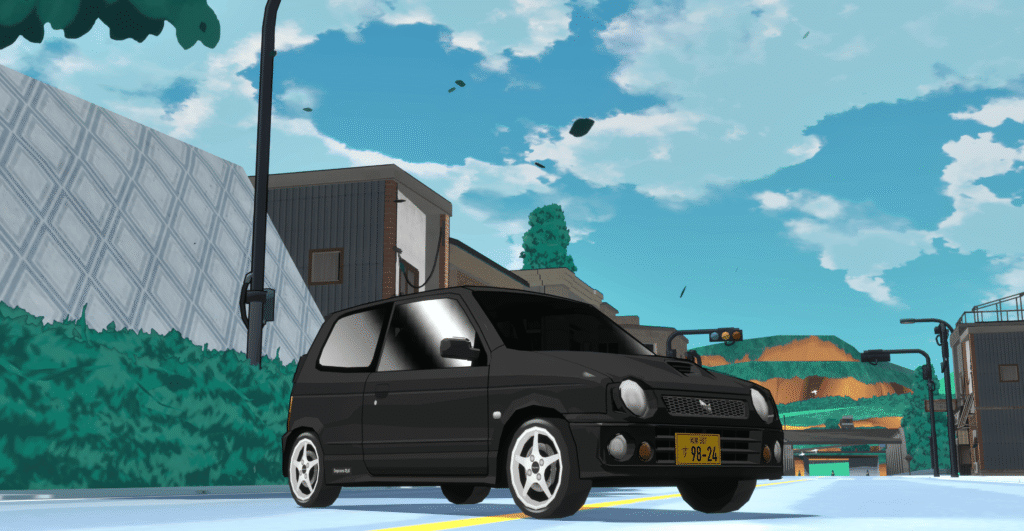
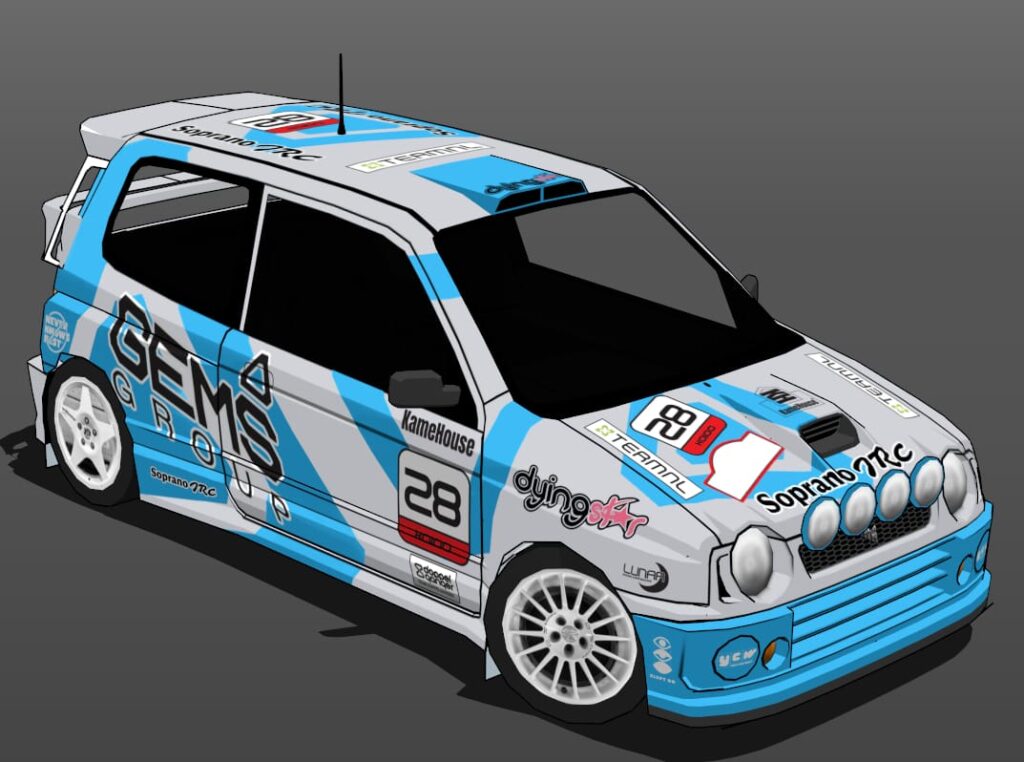
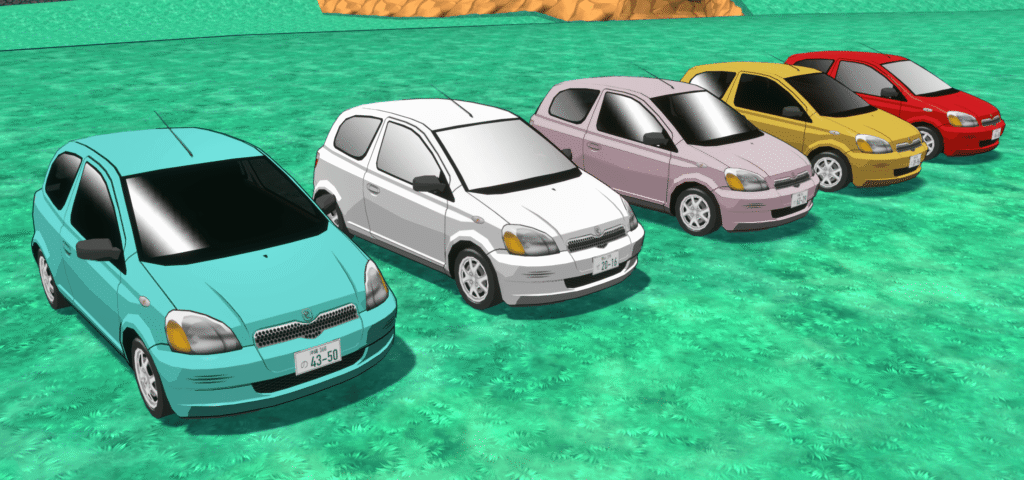
And, since I haven’t formally announced these vehicles, here are some new backer cars completed by the amazing Hacao! Some are in game, some are in queue.
The Soporano, as picked by backer ObeliskTD.

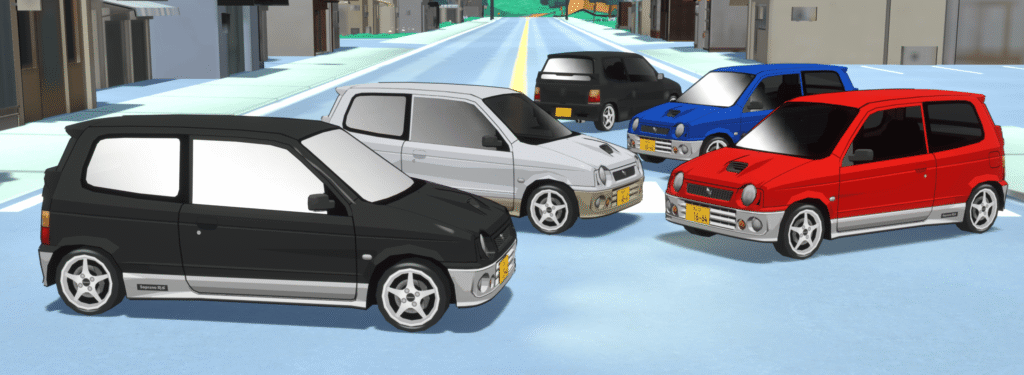
The Pebble, as picked by backer Weapons Remorse.

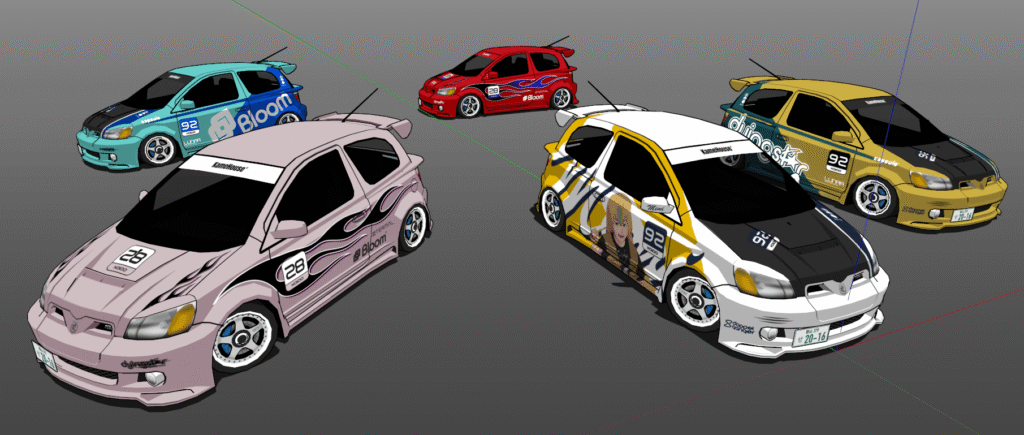
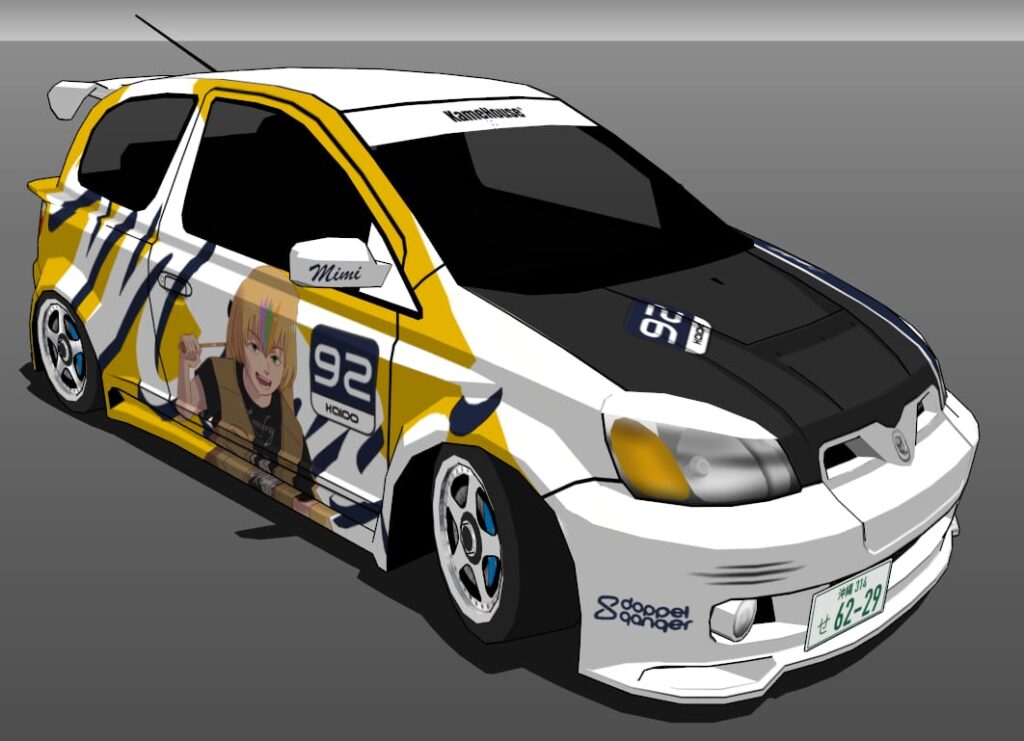
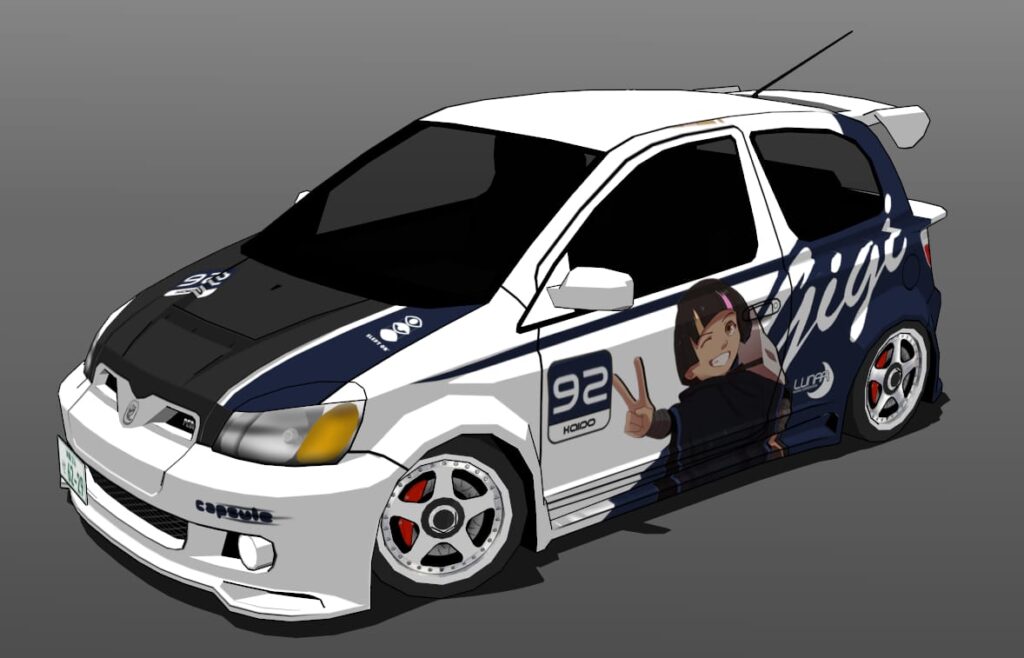
The AX6, as picked by backer Silent.

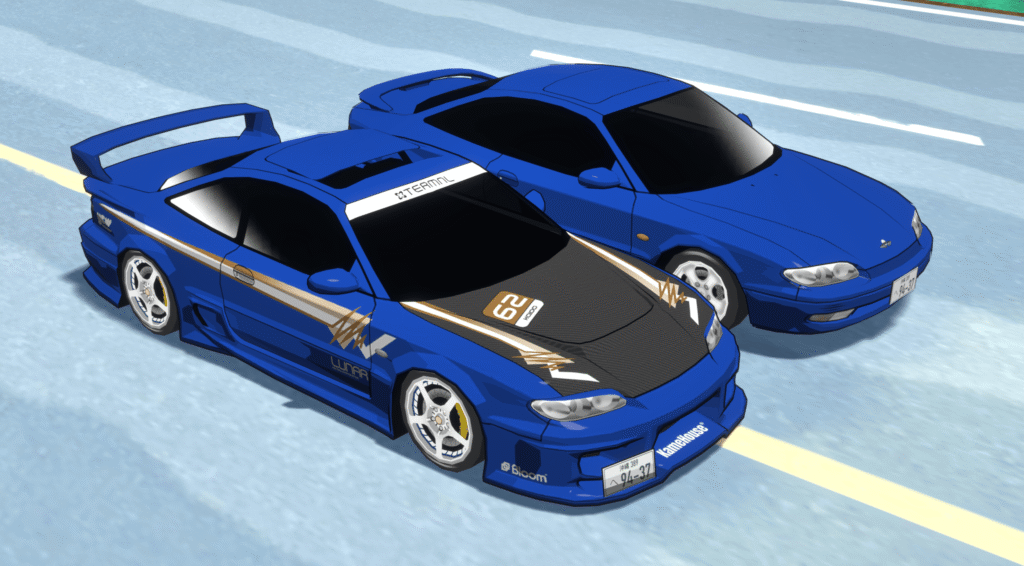
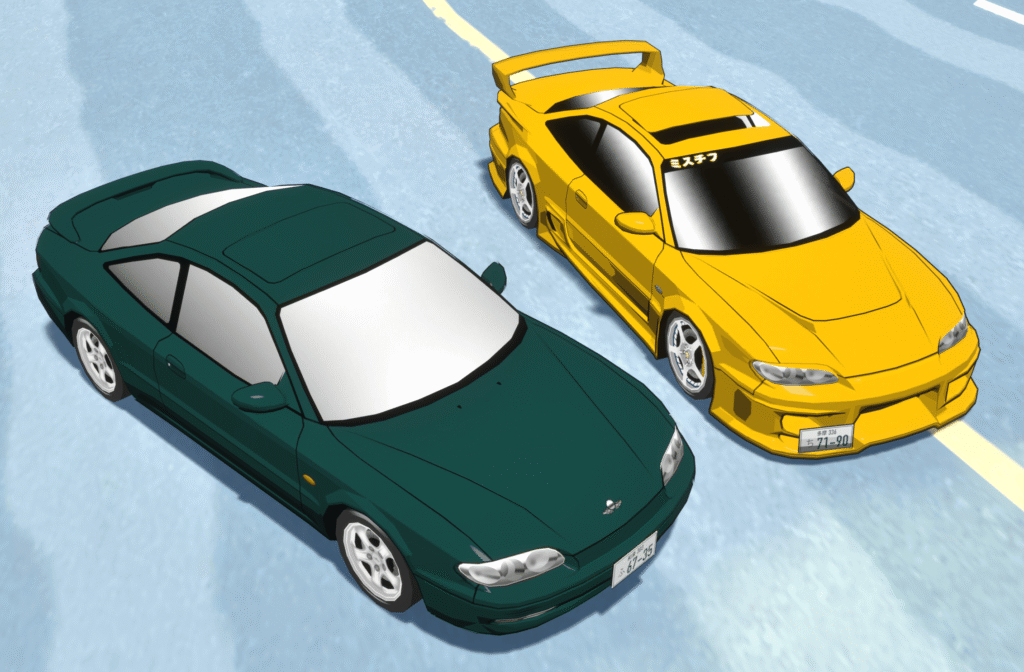
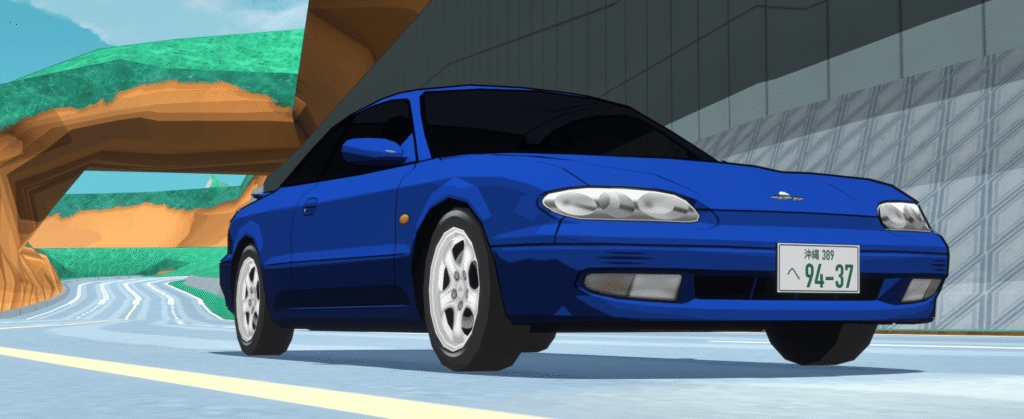
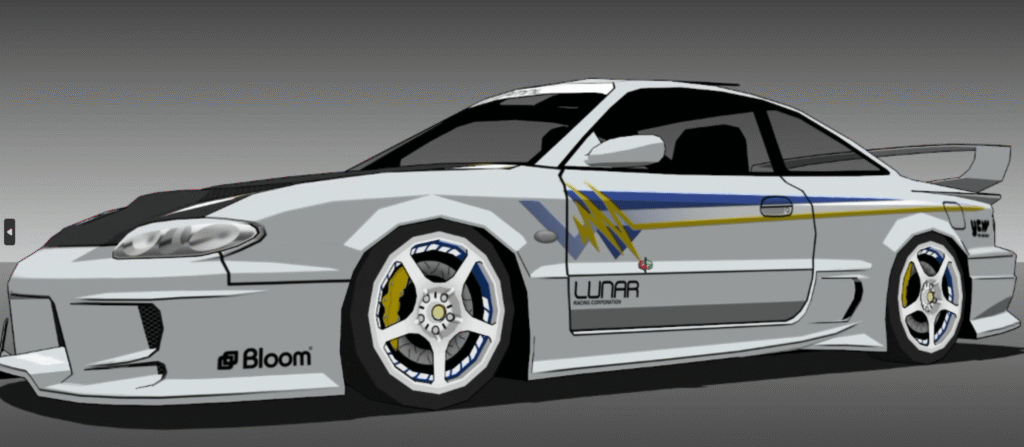
The Lunos, as picked by backer Gerarghini.

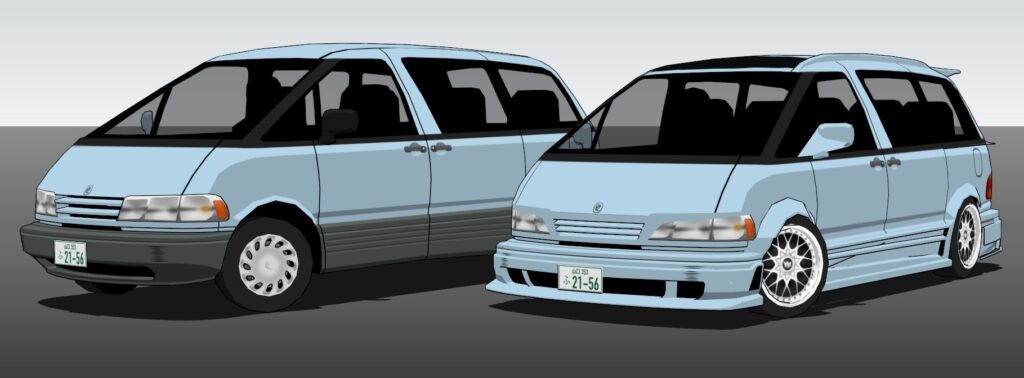
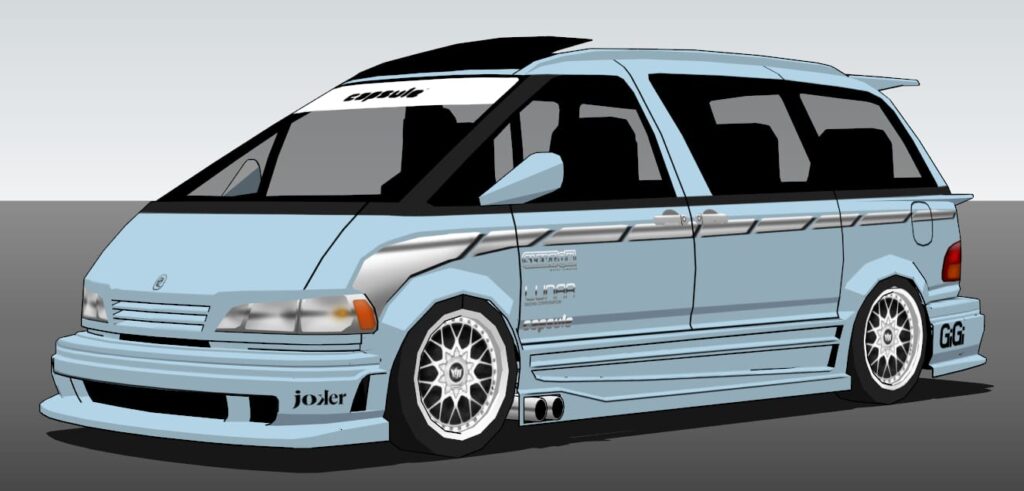
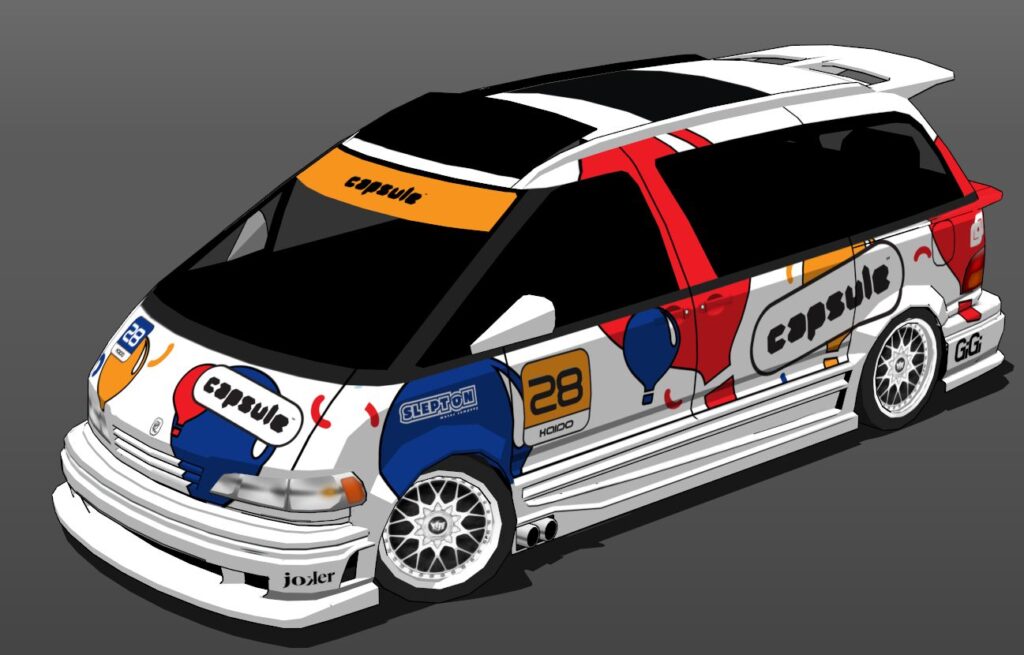
The Tomodachi
…was already in the last post (and also not a backer pick), but I added under-glow to it, so let’s look at that.
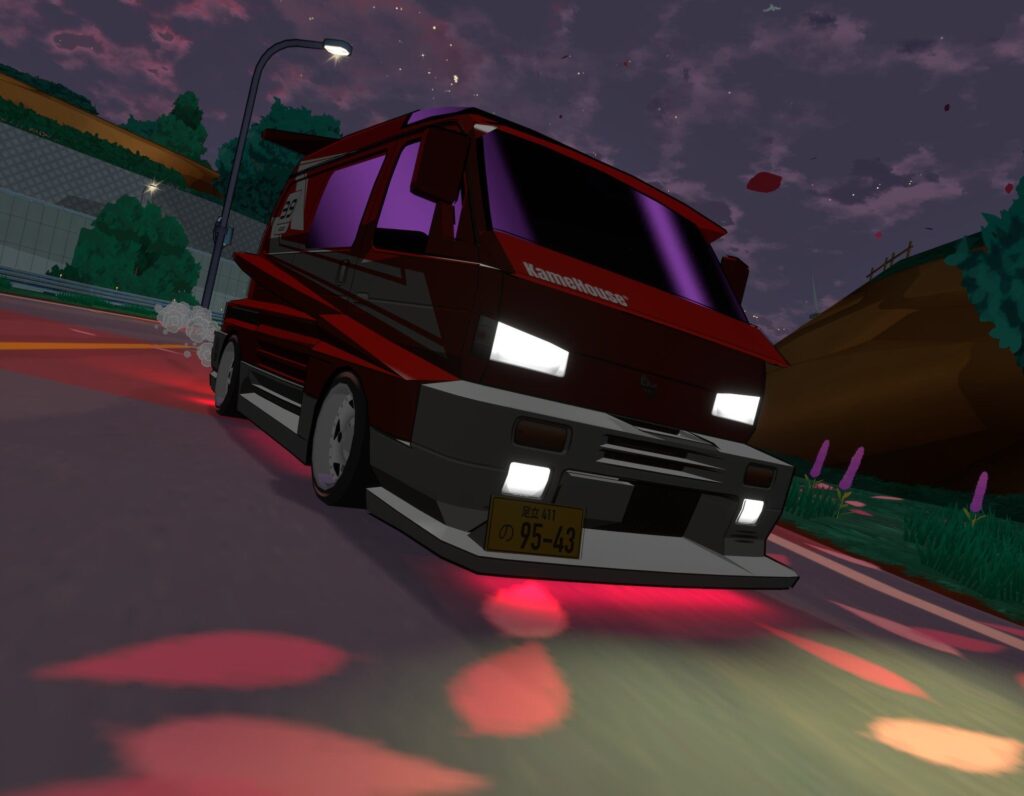
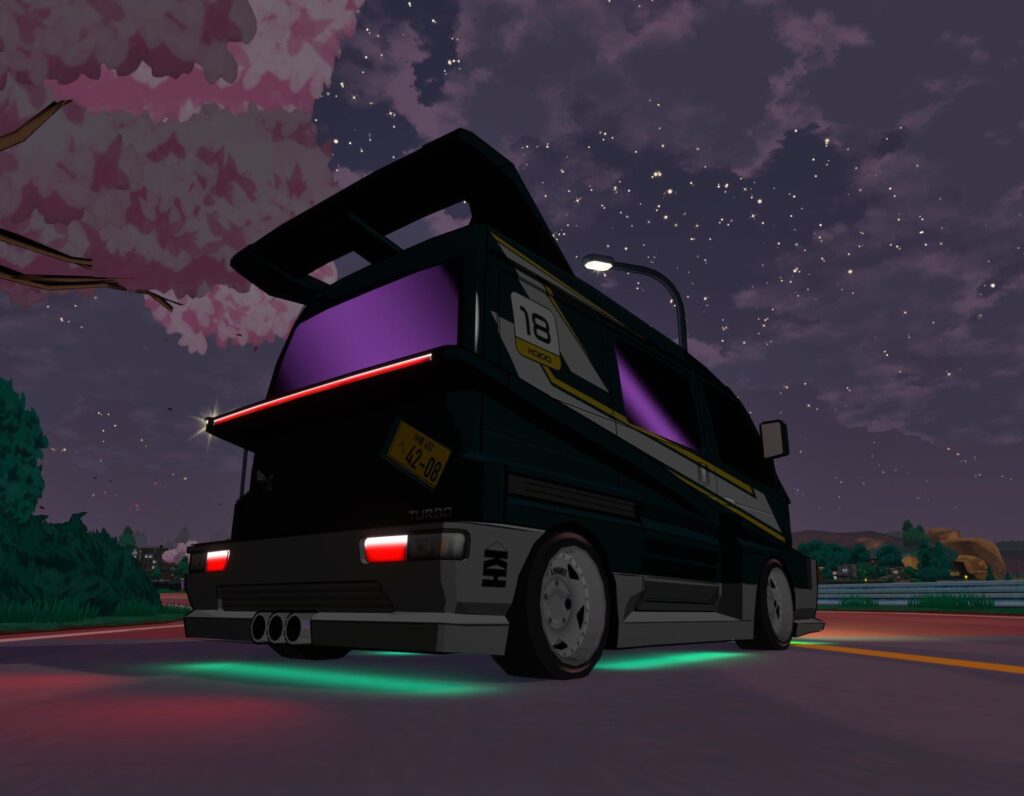
Very nice, very nice.
The Store
The store launch has also been a great success! It’s been super awesome seeing merch land in the hands of folks. I really appreciate everyone that’s been buying stickers and some of the other stuff we have for sale. It directly helps the game, not just monetarily, but being represented in the real world is just.. such a big deal. Thank you.
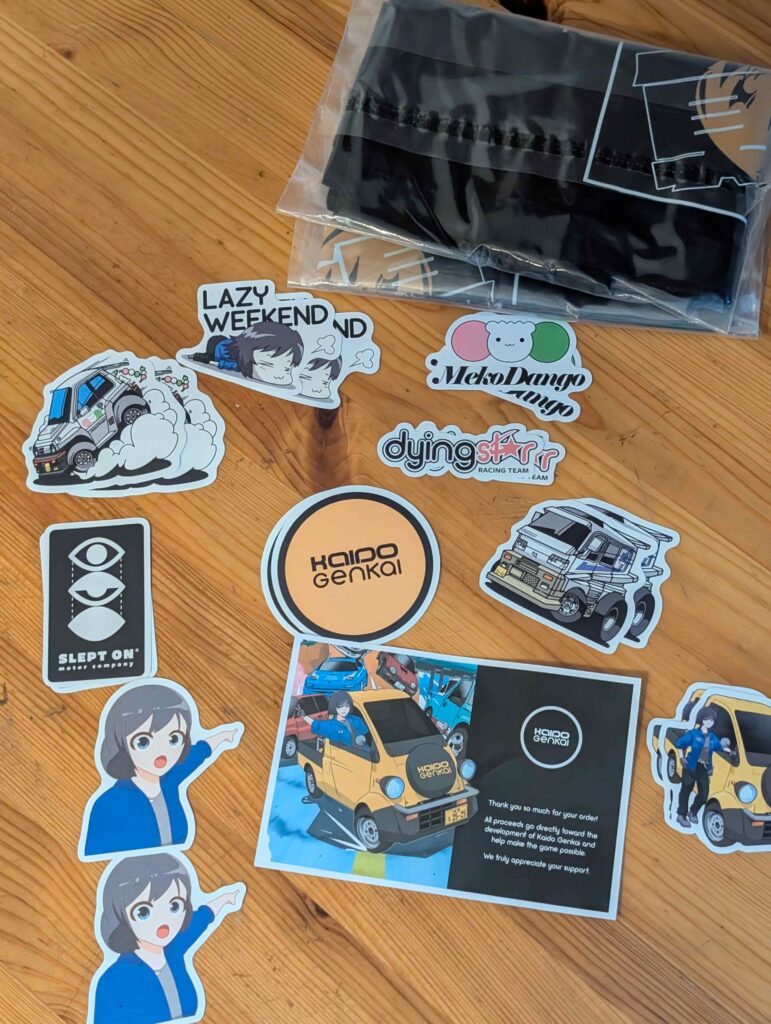
Merch purchased by Silent
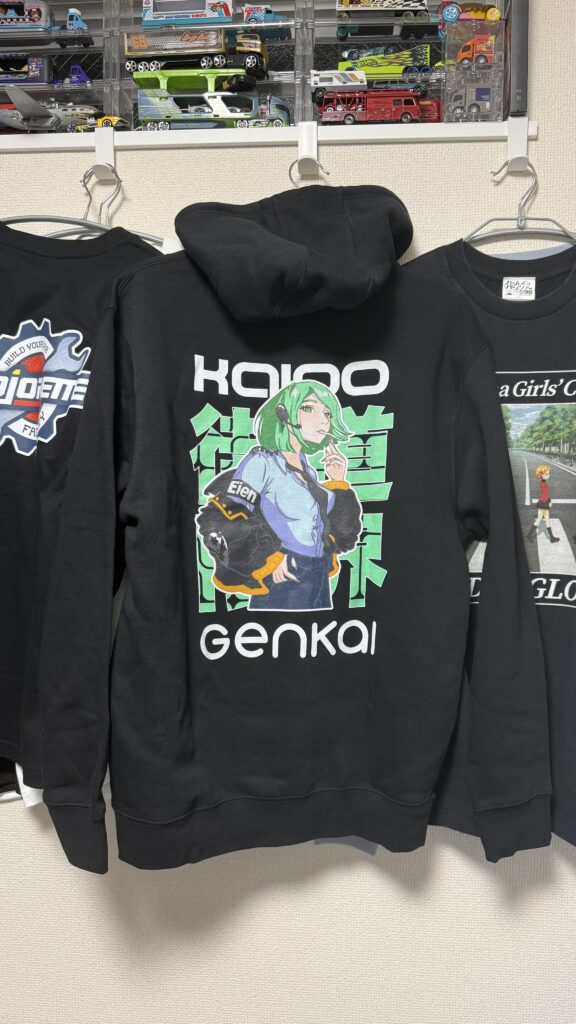
Hoodie as purchased by Mohozumi
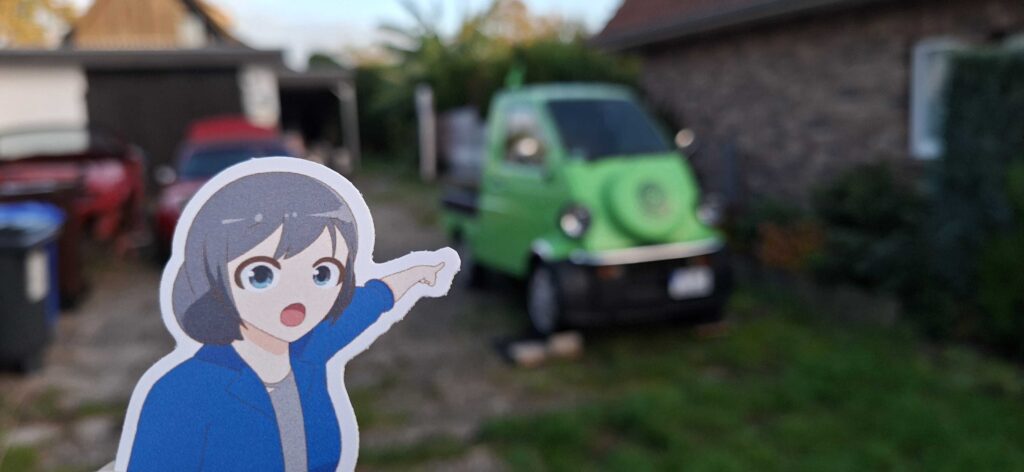
Fetteworst’s sticker with his awesome IRL Daihatsu Midget II.
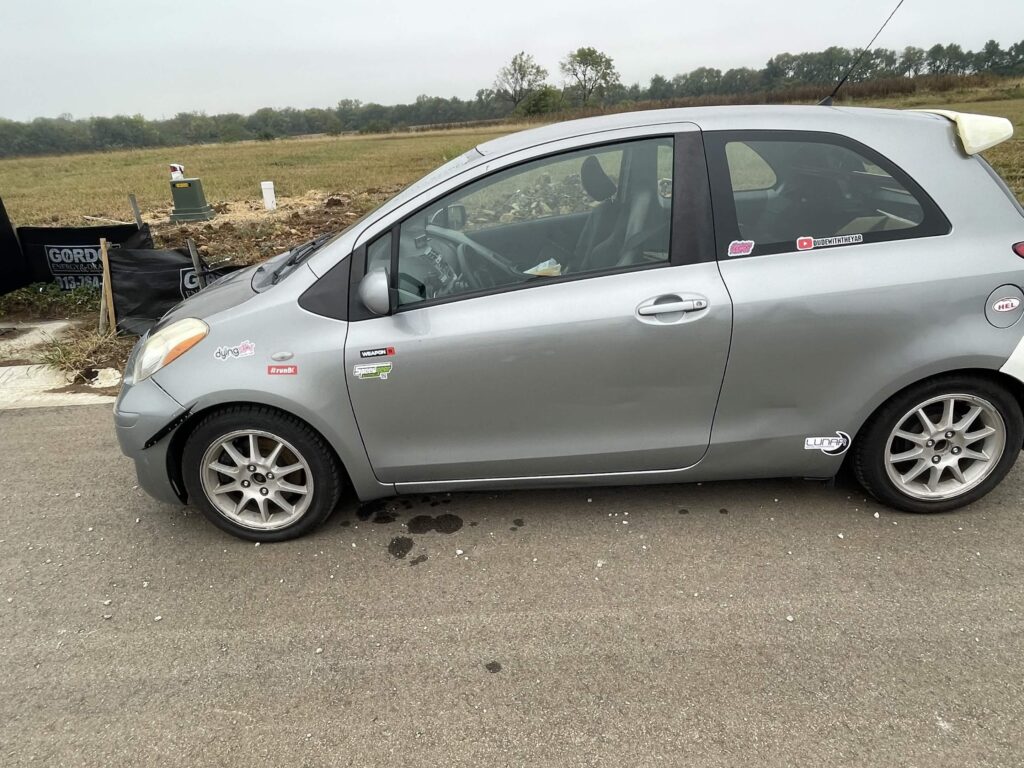
Weapons Remorse’s Yaris with some KG Stickers.
If any of this stuff looks cool, you can check out the store here.
From The Community
As always, seeing artwork made by the amazing folks in the Kaido Genkai community has been one of my favorite things. Here are a couple picks to share with you, but I put all the ones I see on the refrigerator. (The Refrigerator is an art showcase channel on Discord that I named The Refrigerator. I hope you get it).
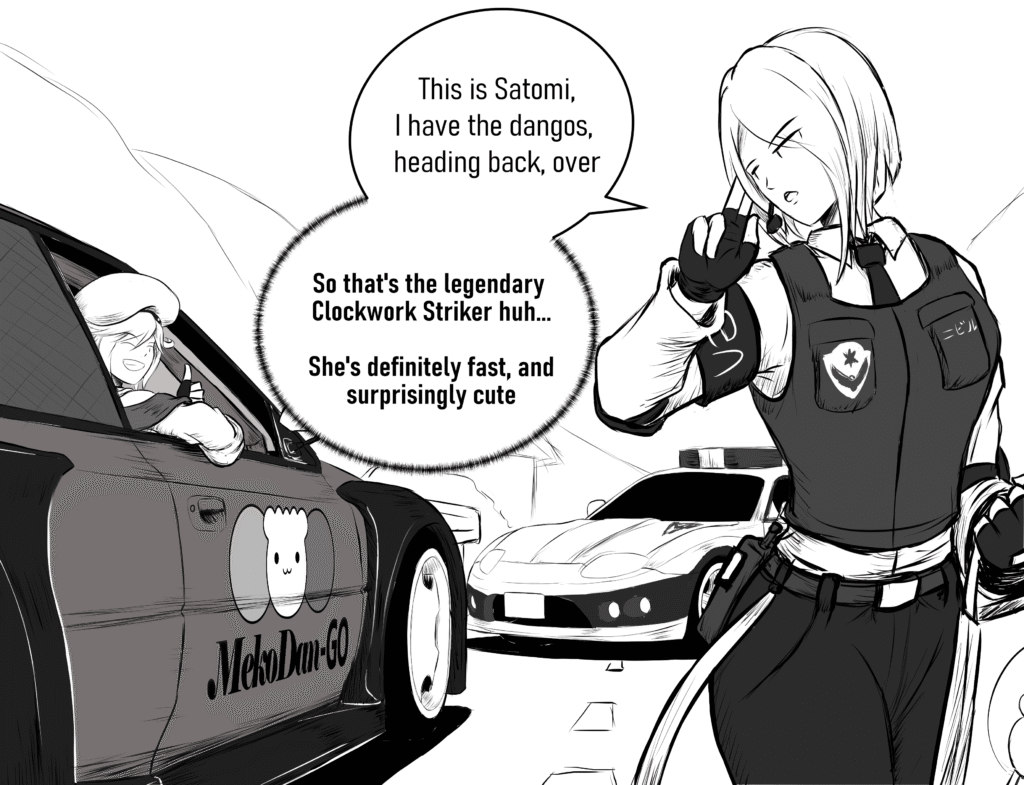
Dango Acquisition by JindopoN
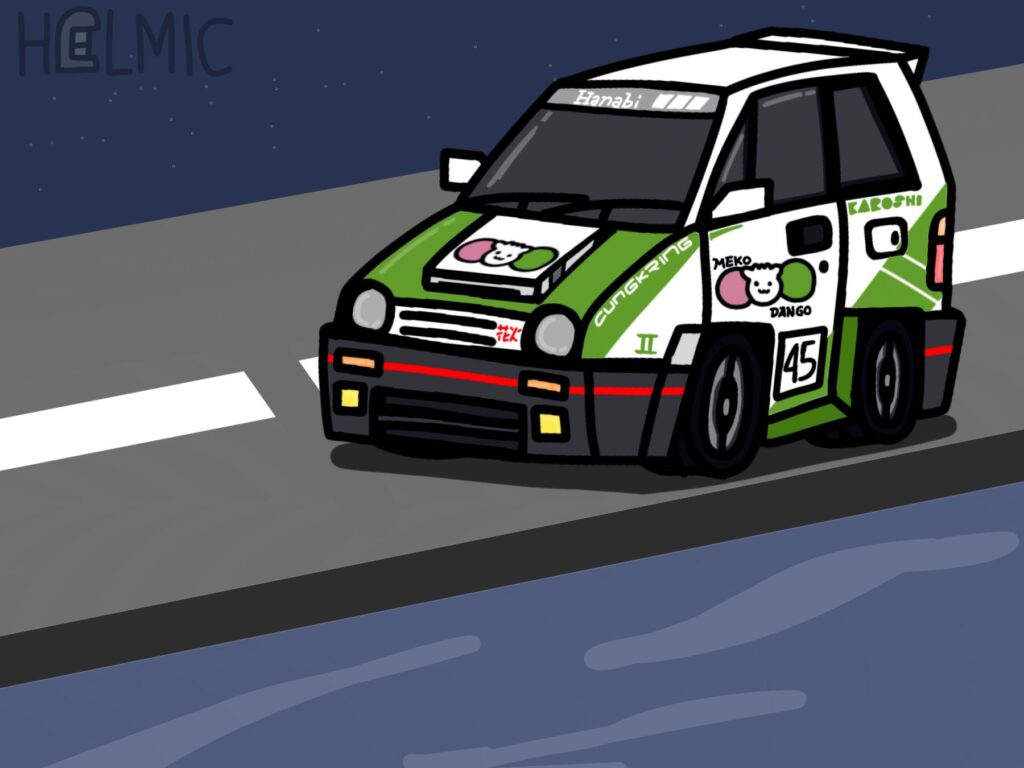
If the Hyper II Tuned version had a MekoDango livery by Helmic/Lencade

Happy Halloween by Mohozumi

It’s definitely not a date, right? by Rogue13
Thank you!
That’s all for now! If you are ever curious about what is going on with the game, I am much more active on social media like Twitter/X, Instagram, and Discord – so please feel free to follow, though I will of course continue to write these posts as often as I can.
As always, thank you so much for your patience as I continue to work. I promise to continue building Kaido Genkai diligently. I am forever grateful for the support and opportunity I’ve been given to create this game to share with you all.
Best regards,
Karo
Kaido Genkai / Karoshi Electric Corporation