
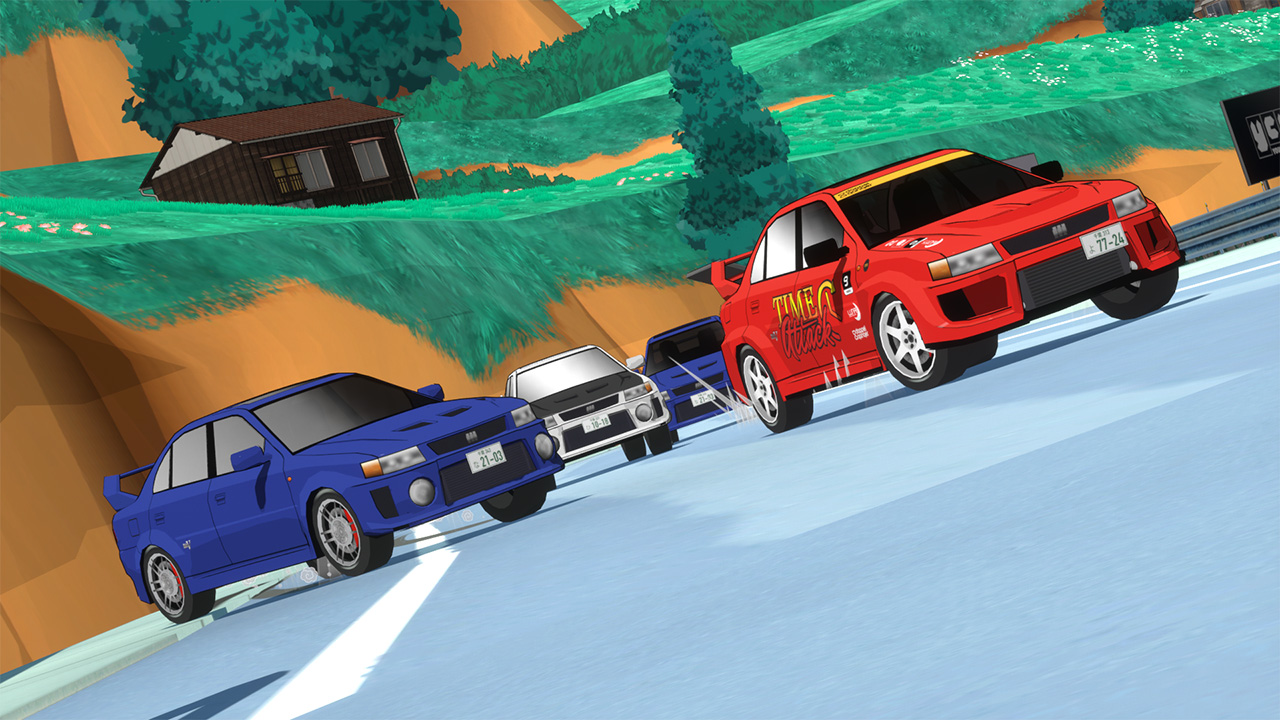
Earlier this year, I released the first playable build of Kaido Genkai to Patreon supporters after two and a half years of development in my spare time. It was such a nerve-wracking experience, showing my very first attempt at a game to people who actually paid money for it (what!).
I felt confident in the initial builds, and early testing went well, or at least well enough. A few adjustments later, and the demo was released publicly on Steam. Then the Kickstarter became 150% funded, and we hit two stretch goals: the farm area and seaside/beach area.
Not only am I feeling incredibly grateful for the support, but I’ve been blessed enough to recently resign at my day job – which I’m so thankful for, since I was probably going to lose it soon. And while I may live on rice and beans this year, I am able to work on Kaido Genkai full time! I am truly happy.
I haven’t just been sitting around doing nothing and patting myself on the back, though. Here’s what’s been going on – both directly with the game and behind the scenes!
Beyblades: Let It Rip
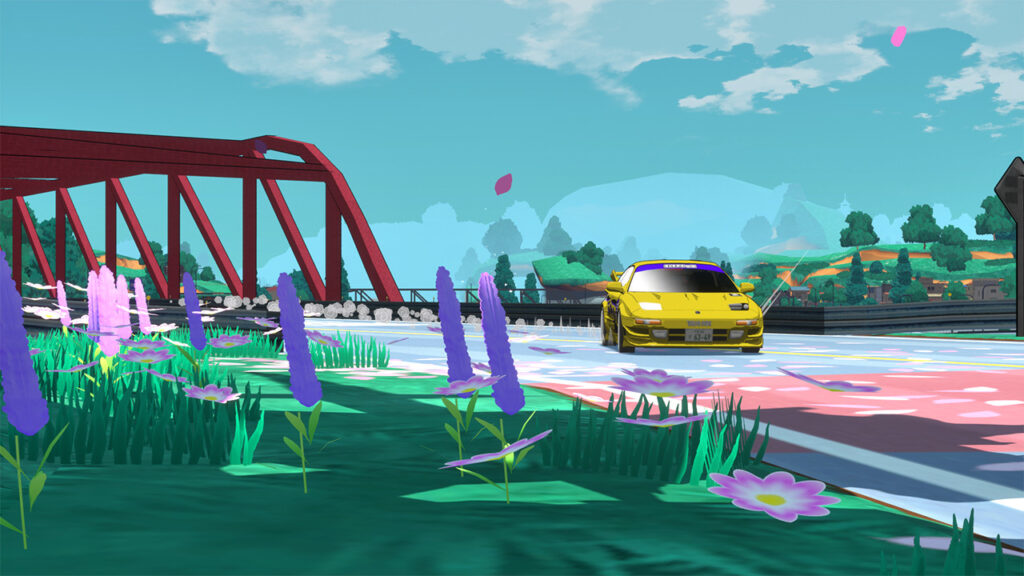
Starting off the post today is one of the most fun bugs that testers found: a physics issue where you could sometimes hold the handbrake and spin the car forever in what we dubbed “Beyblade mode.”
I was absolutely delighted about this, but obviously we had to patch that out. I’m a little sad about it, but maybe it can be a bonus mode someday.
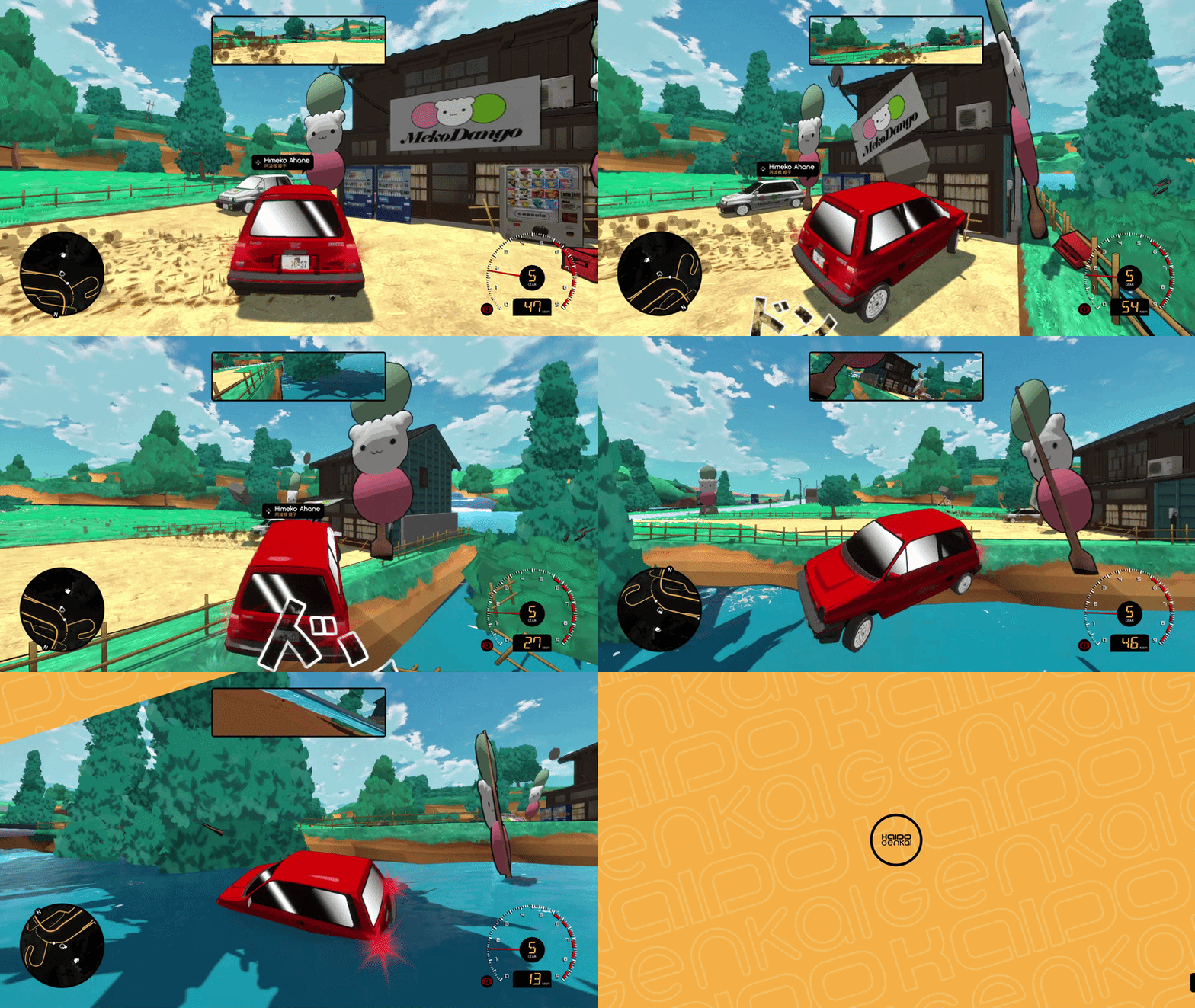
Nothing remains of it except for this GIF. Never forget.
Fixing What Players Find
One of the biggest benefits of people actually playing the game is discovering all the things I never managed to break myself. As expected, there were just so many little issues: cars getting stuck in strange wheelie states, vehicles sometimes disappearing, music not properly switching, traffic spawning underneath racers, menus losing controller focus.. and a million other bugs.
The menu losing focus was crazy bad, and super apparent to almost all players. It was essentially a ‘soft lock’, where a player would have to Alt F4 out of the game and restart it. Yikes.
Super huge thank you to Silent for helping me diagnose the issue. Every time I thought I had fixed it… nope. After much debugging, we realized that if you entered Photo Mode at any point, the entire HUD would become unfocusable by user input, so the next time you finished a race, the ‘Continue’ or ‘Restart’ buttons wouldn’t work. Until we realized Photo Mode was causing the issue, it seemed completely random and took days to track down. The bug itself was a very easy fix, but this really taught me that making bugs reproducible is sometimes the hardest part.
Another notable (stupid) mistake was “Objective Complete” being misspelled in the notification pop-up when completing missions. Another easy fix, but embarrassing because it was seen hundreds of times, and missed by myself and SO MANY additional testers before the demo went live. We all shook our heads, but at least we had a laugh at our own expense.
Steam Reviews
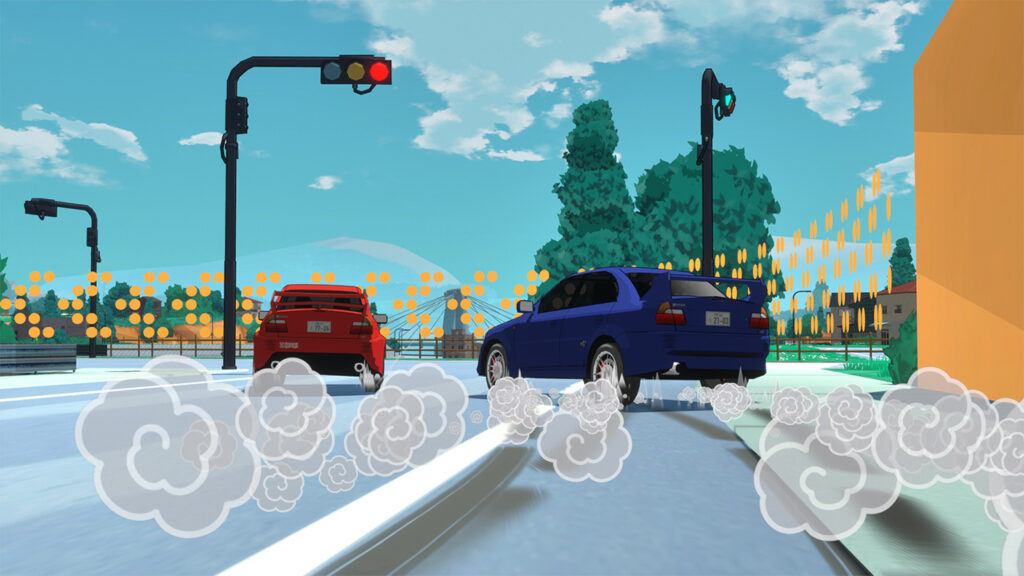
The reviews are in! Kaido Genkai is sitting at 93% positive right now with 335 reviews. Thanks to everyone who left a review on Steam – especially positive, it actively helps the game. Conversely, if you left a negative one, I do appreciate constructive feedback. I read most reviews and take them seriously unless you just wrote “literally unplayable”. Which some of you did.
The great thing is that most folks mentioned the same few points as the biggest headaches, which gives me a perfect roadmap of what to address. This is way better than if players all had completely different gripes.
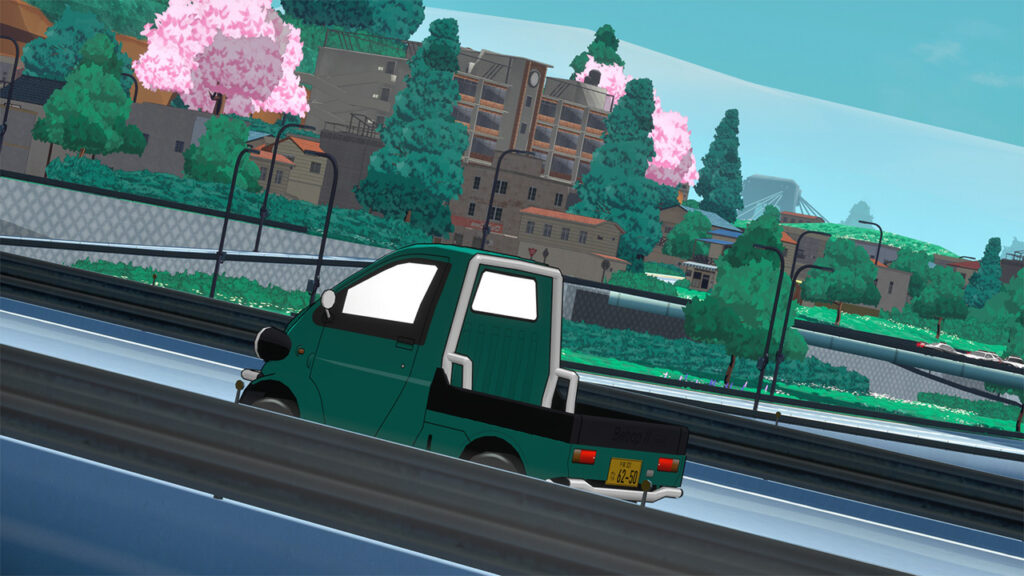
One common thread initially was the difficulty. Something I already knew, but couldn’t understand the extent of, was that I would naturally be better at Kaido Genkai than almost anybody else – making it hard to balance. I’ve been playing Kaido Genkai for years. While I thought I had made all the races (especially the first few) pretty easy, it turns out I am an expert-level racer and the races were still pretty hard for first time players.
A lot of the balancing was simply slowing the cars down and adjusting racing lines, but I also added a very small amount of rubber banding. Slight enough that the races are still fair, but your opponents will get a little more (or less) power depending on whether they are super far away from you. This is especially useful since the NPC racers still make a lot of mistakes and can easily fall behind.
The NPCs need a big skill increase, and that’s up on the to-do list sooner rather than later.
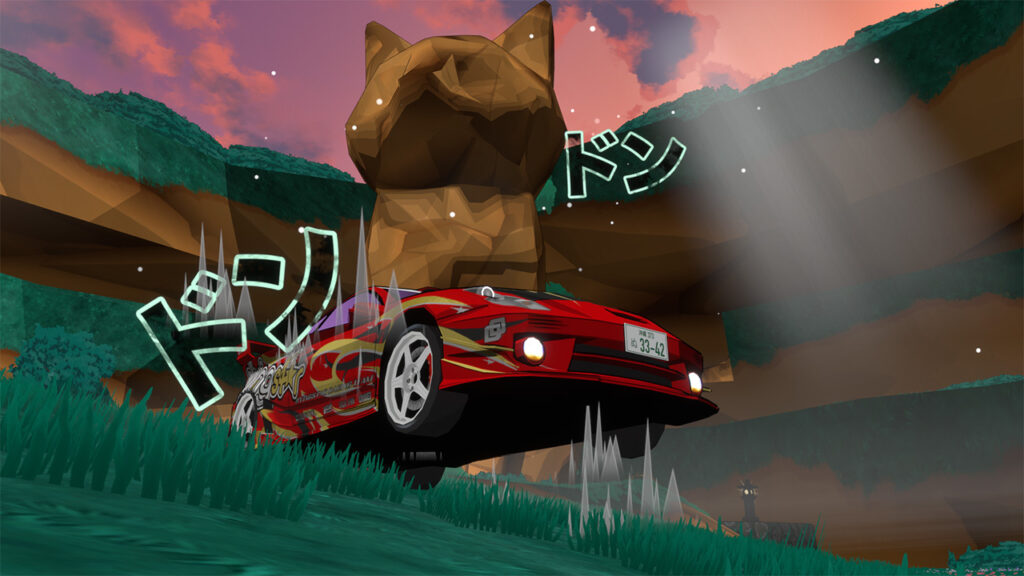
Proper Control Remapping
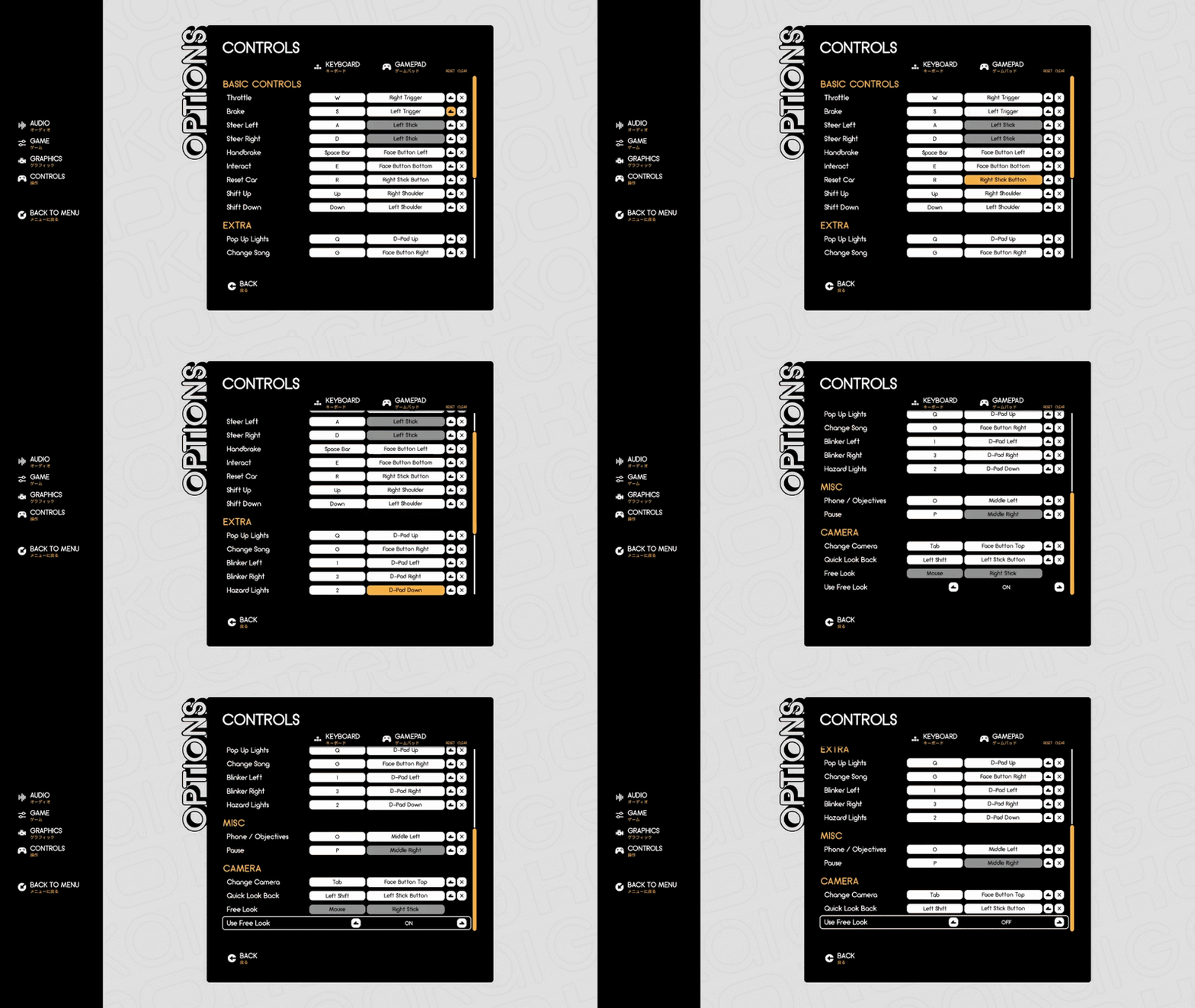
Almost every review also mentioned a lack of control remapping, so that was another initial item to cross off the to-do list. This ended up being considerably more complicated than expected.
Unreal has some very interesting tools to make this possible, and it works incredibly well for keyboards. Gamepads… not so much. The interface I built for the options menu required workarounds upon workarounds, but in the end I got there! Players can now customize their controls, including both keyboard and gamepad bindings.
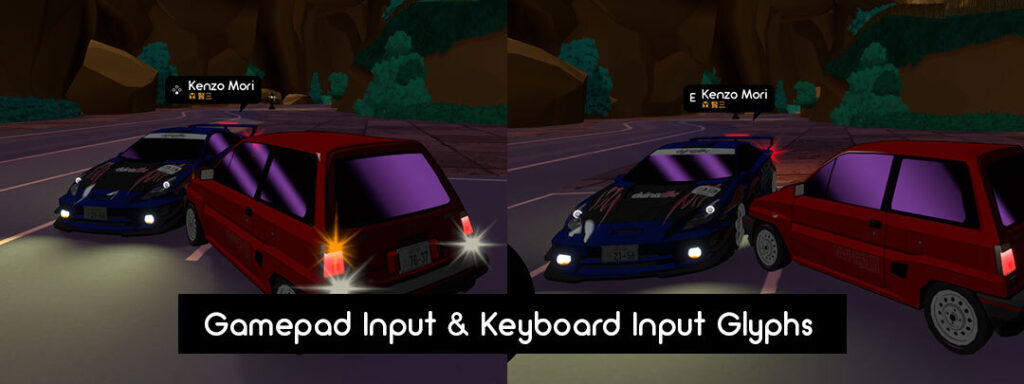
The controller button pictures (known as glyphs) also update on the nameplates above the characters you talk to depending on input device and assigned key/button.
I also updated the camera controls, including an instant look-back camera and changes to how the right stick controls the view. Rather than turning the camera slowly, the camera snaps to the angle of the stick, similar to some big festival racing franchises we all know.
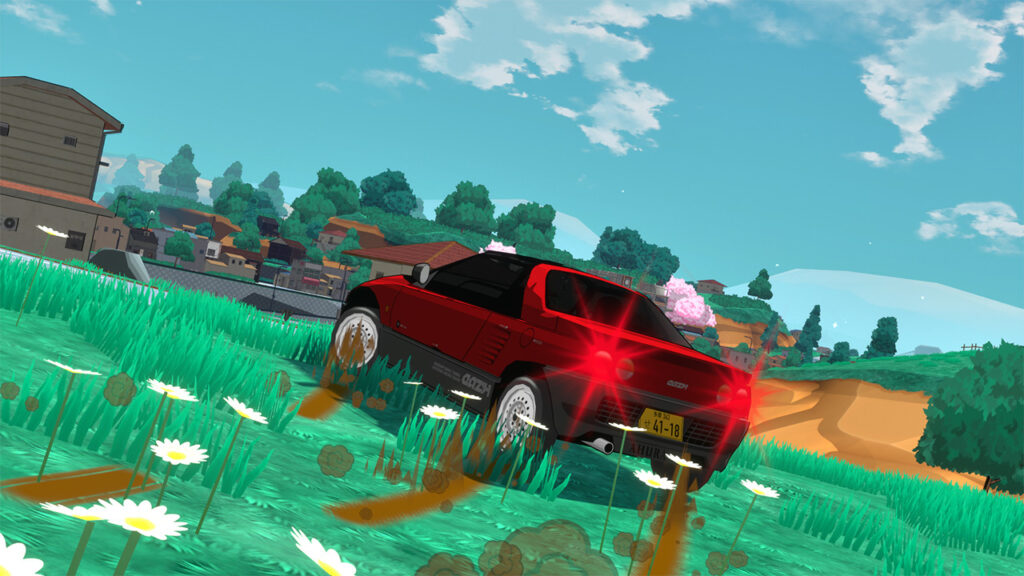
Lost, Not Found
Something I didn’t anticipate was how many players were just getting totally lost and didn’t really understand what to do. This was obviously really demotivating to those players. In retrospect, that’s totally fair and I made a lot of changes to fix this.
The original vision of Kaido Genkai was to emulate Choro-Q HG2 (Road Trip)’s gameplay style: have an open world full of stuff and people, give the player a simple logbook, and make them go talk to everyone.
It turns out that this is very outdated game design, and almost nobody liked it unless you were already a Choro-Q fan. It was way too easy to have bad luck and talk to too many ‘filler’ NPCs in a row without receiving any objectives.
The first fix was to update the map icons: Instead of all NPCS being the same icons (arrows), only ones with objectives would be arrows, and they turn to rings when their objective is completed. If an NPC had no objective, it would just be a dot.
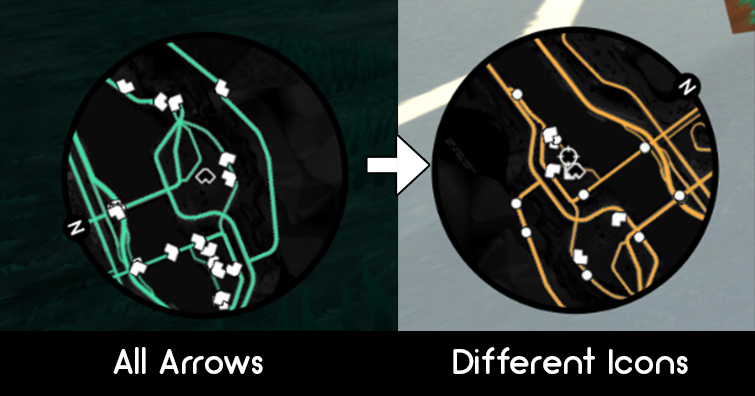
This alone helped provide a lot of direction, but it was still missed by many players when it was explained in the introduction tutorial by Tomoka.
Turns out, some players read the introduction dialogue… and some didn’t. So I knew I had to build out something more robust and intuitive.
The New Map System
The Objectives screen on your phone now includes a full-screen interactive map!
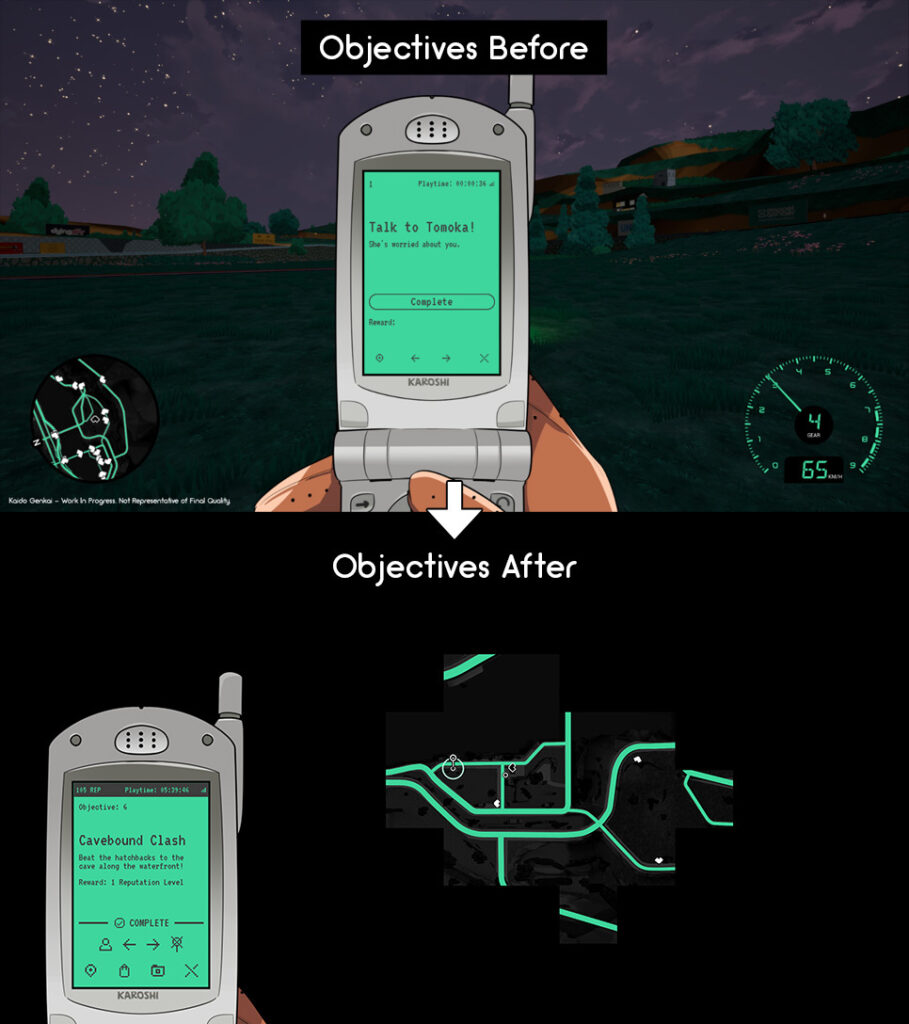
You can pan around it using either a mouse, keyboard, or controller, and every objective you’ve discovered appears directly on the map. Selecting an objective automatically pans the map and highlights the entity you need to talk to. So much clearer.
You can also pin discovered objectives directly to the minimap, making navigation much easier than having to open the menu every 30 seconds to see if you’re heading in the right direction.
Since the map can now be seen in full screen, I had to remake it at a much higher resolution. The map itself loads each section in 2k or 4k tiles (depending on resolution), so it’s not a giant 100k PNG, thank goodness.
This also allowed me to add some missing areas. I don’t know if anyone noticed, but places like the field by the dango delivery missions, or the dock parking lot where Lone Wolf hung out didn’t actually exist on the minimap before. Neither did most of the caves. Sorry.
Feels good to get those added.
In the final version of the game, when the map is done, I’d love to have the whole thing illustrated instead of rendered. We’ll see, though.
The map also has ‘fog of war’ now too (it’s just distance fog, but fog of war sounds so cool). It’s a simple concept you’ve seen in lots of games: when you first start playing, unexplored parts of the map are obscured by darkness. As you physically travel through the world, those areas gradually become visible.
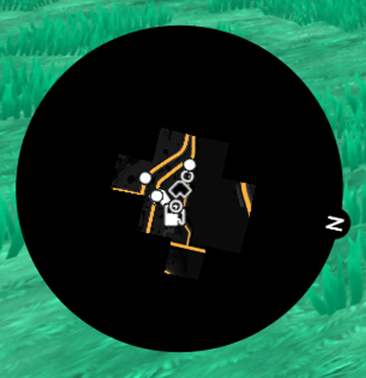
It’s fun since you can use this as a record of your exploration. Notice a big section that’s still completely hidden? That’s somewhere you haven’t visited yet.
This system should serve players well moving forward as the game grows and gets more complex with additional objectives and new areas.
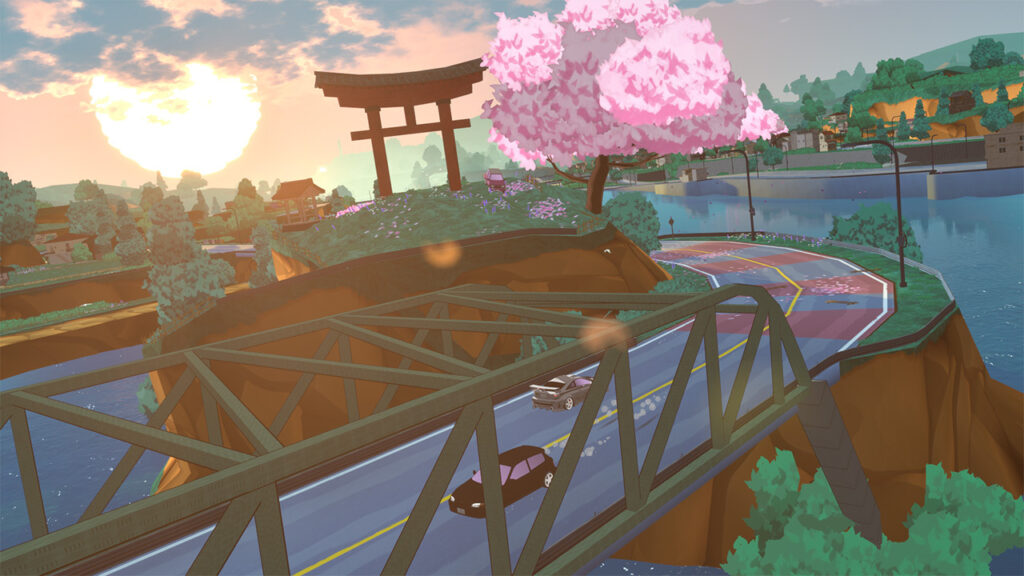
The Optimization Rabbit Hole
I also spent a chunk of development time digging into performance – another common gripe from reviews. This quickly became one of those jobs where fixing one thing makes you notice five more things.
Traffic vehicles were performing more checks and math than necessary. Some line traces were running every frame when they didn’t need to. Guardrails were being generated dynamically from splines. Foliage needed better instancing. The level-of-detail settings (LODs) on buildings needed to be more aggressive. Water had more geometry than necessary. Particles could be simplified and culled better. Streetlights were casting too many expensive shadows. Even the minimap was doing unnecessary calculations constantly.
So I started going through these systems and fixing them: Guardrails were converted into static meshes with proper LODs. Bushes were moved into Hierarchical Instanced Static Mesh (HISM) groups. Geometry was reduced and LODs were improved. Particle effects such as falling leaves and the fireflies around the cat statue were optimized (still need to do more, like on the checkpoints). Lighting is culled more aggressively, and unnecessary shadow casting was removed.
The world geometry was also further optimized and broken up, so it unloads at far distances. In order to make this look a little nicer, I’ve also added a bit of distance fog to obscure missing geometry. Originally, I wasn’t going to add fog since I was worried it would take away from the atmosphere of the visuals (so clean!), but actually, I love the way it looks.
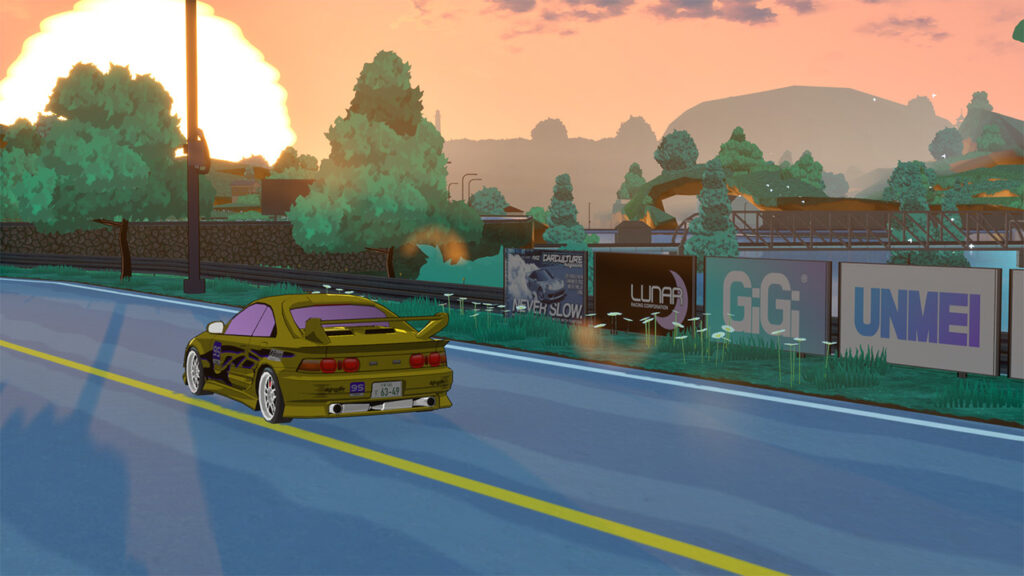
After these optimization efforts, GPU draw calls were roughly cut in half, and the number of rendered triangles dropped by around two-thirds.
Pretty awesome, right? So does it actually make a difference? Well, only a bit.
It seems a lot of the slowdown is still coming from shadow calculations at sunset, night, and sunrise, and also from the anti-aliasing. To that last point, I’ve also added additional graphics options including settings to change the anti-aliasing, resolution scaling, and presets for Fast, Balanced, and Pretty configurations, which I’ve hand-tuned to give good results.
If you change the newly added anti-aliasing settings to Low or Medium, you should see a nice FPS bump if you’re on a lower-end machine, especially if you use resolution scale 90 or 95 as well.
More time will be spent on optimization, though. This will be an ongoing battle.
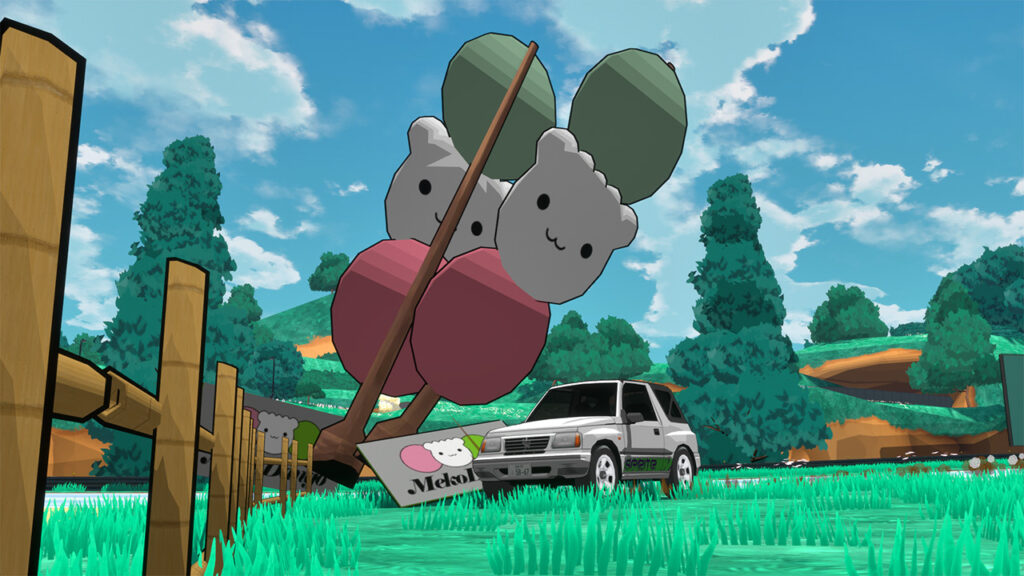
Improving the Driving
The next item on the roadmap will be improving the driving of the cars and overall physics. While I’m hearing that vehicles are too understeer-prone, I’ve managed to put the cars through plenty of smaller changes already, though bigger updates are yet to come.
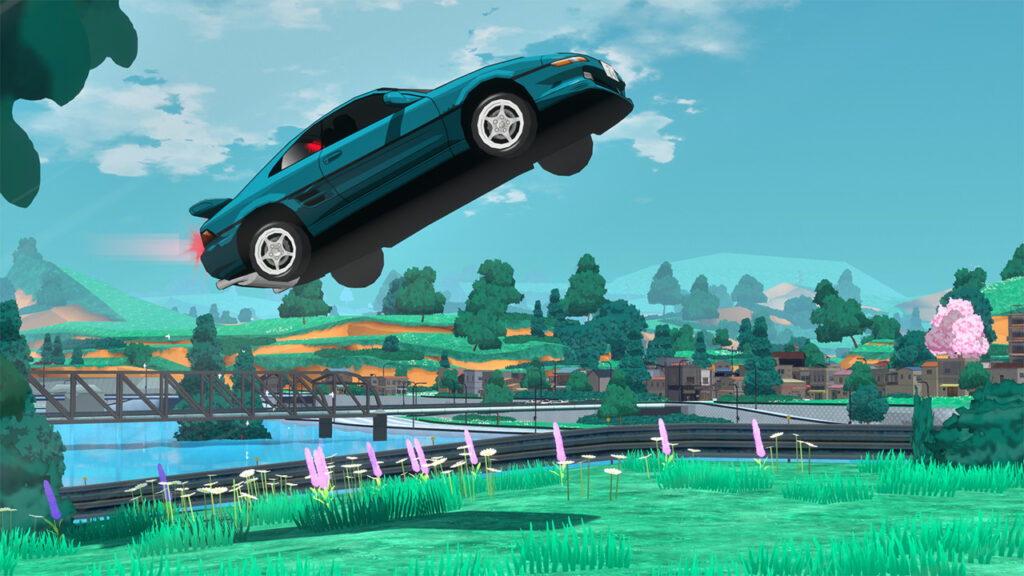
The starter car has had small handling changes, automatic transmission behavior has been adjusted (more work needed), steering response has been tweaked, and I’ve continued experimenting with landing physics to reduce the infamous Unreal Engine tendency for cars to bounce dramatically after landing or impacting anything at all. Unreal’s ‘Chaos’ physics truly are chaos.
The Mechina R is also much less prone to spinning out, though it’s still just a bit of a beast to handle, just like the real-life vehicle it’s based on.
It was also pointed out to me that the handbrake shouldn’t affect a vehicle’s front wheels, which somehow never dawned on me. Oops. I guess one can be smart and stupid at the same time. Or just stupid.
Anyways, the handbrake only affects the rear wheels now.
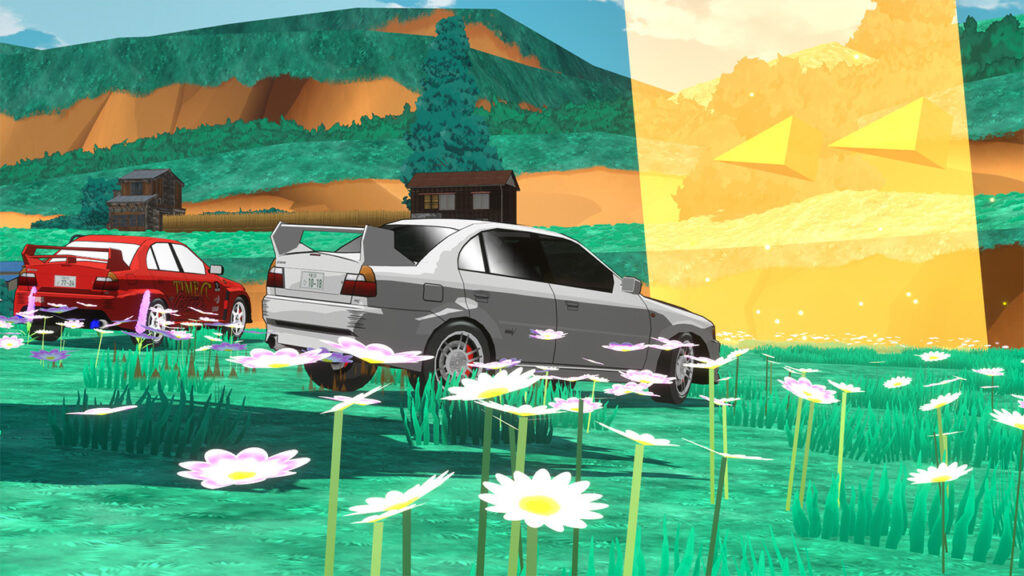
All The Small Things
A lot of development time has also been spent on other finesse: changing checkpoint positions, adding arrows into the checkpoints, rewriting dialogue for clarity, tweaking time trial requirements by a few seconds, adjusting a transmission shift point, and other little things. This is just a tangent, but it’s amazing how tweaking one or two words in a dialogue box can completely change the clarity and understanding of a character’s message. It took a while to get things right, and watching streamers play the game was really instrumental in testing this, since they tend to narrate their thoughts.
Thank you to everyone who streamed Kaido Genkai, you don’t even know how much you helped me.
Moving on, I’ve also added more music – huge shoutout to Mohozumi in Discord for finding some cool resources. There’s a streamer mode for the audio now too, so streamers can play the game without copyrighted music playing.
And some other random things: important words in dialogue are now highlighted, Photo Mode has received several improvements, races can be replayed, traffic behaves better, and the rear-view mirror actually mirrors things now.
I’ve also created all the brands and logos for the fictional car manufacturers, now that I have a sense for what every car will be based on (including Kickstarter backer picks).
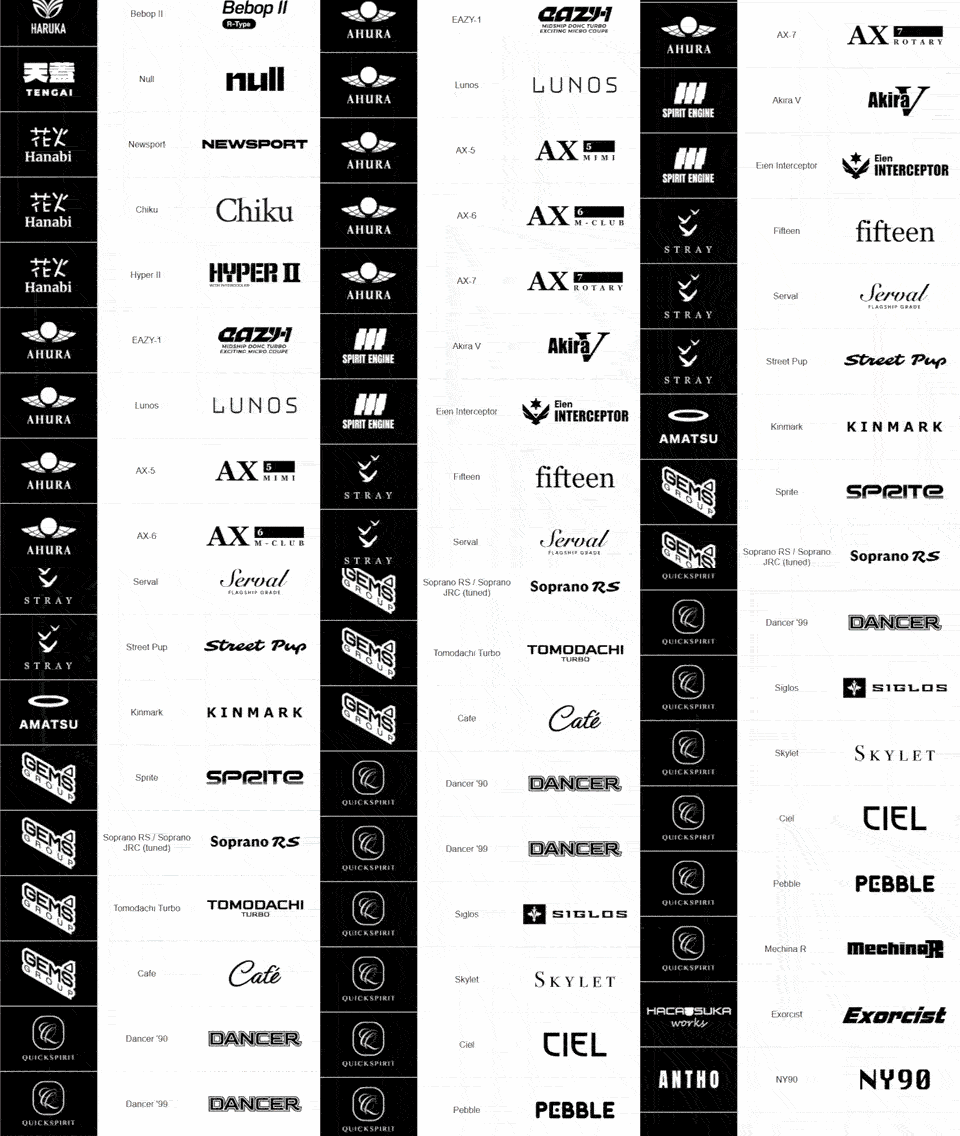
You may be able to guess a few of these, and others, no way. I’m amazed at the taste folks have brought to the table. There are some really unique, deep cuts here, and the backers weren’t just 10 people asking for cars based on the R34 Skyline.
There’s still a huge amount I want to improve and add, but Kaido Genkai is already a very different game from the first version I put into players’ hands. Thanks to everyone who’s been playing, reporting bugs, leaving feedback, and helping me figure things out.
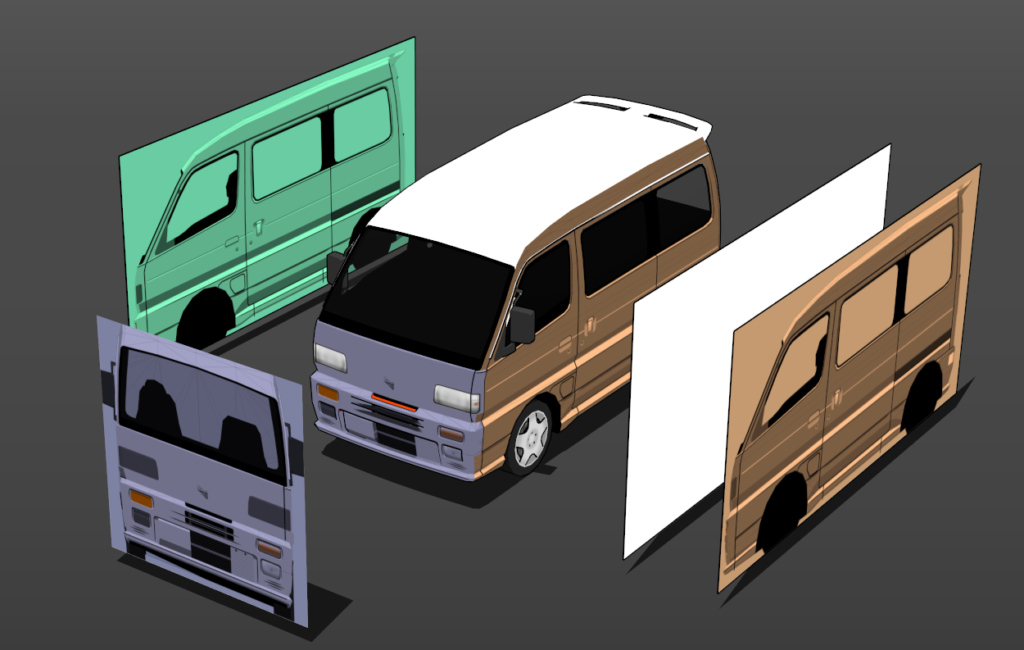
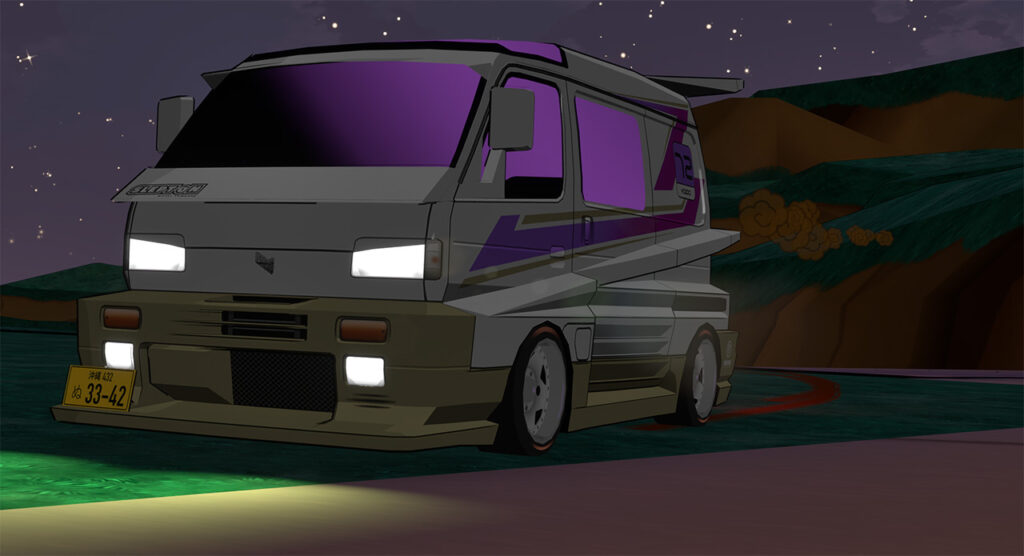
The Tomodachi Turbo
Here’s the latest vehicle we’ve gotten in game: The Tomodachi Turbo! Check out some of the in-progress pics.
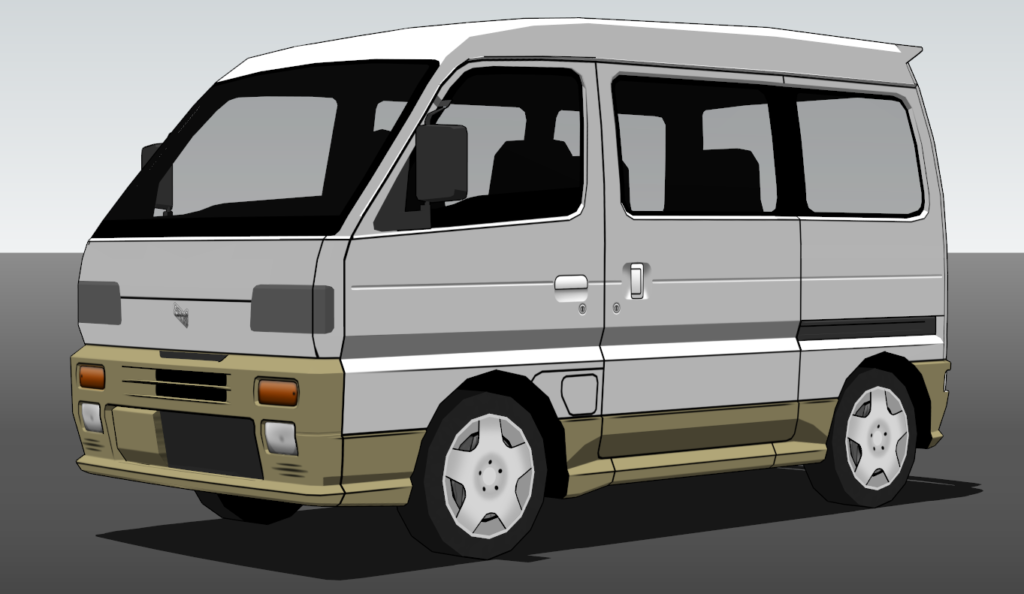
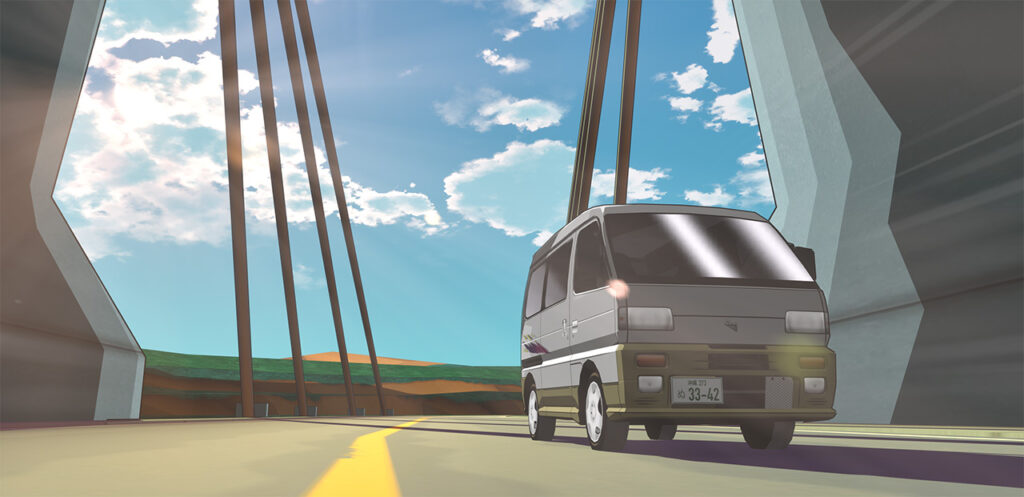
The tuned version is actually insane, Hacao really outdid himself on the styling.
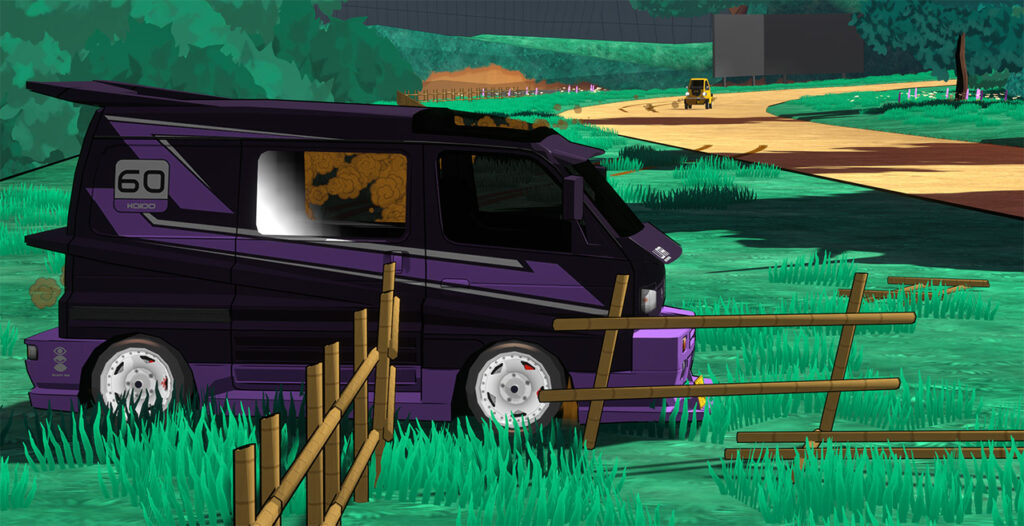
While the car is in-game, it won’t be available in the public demo, I’m afraid! This is full-game content.
Kickstarter Rewards
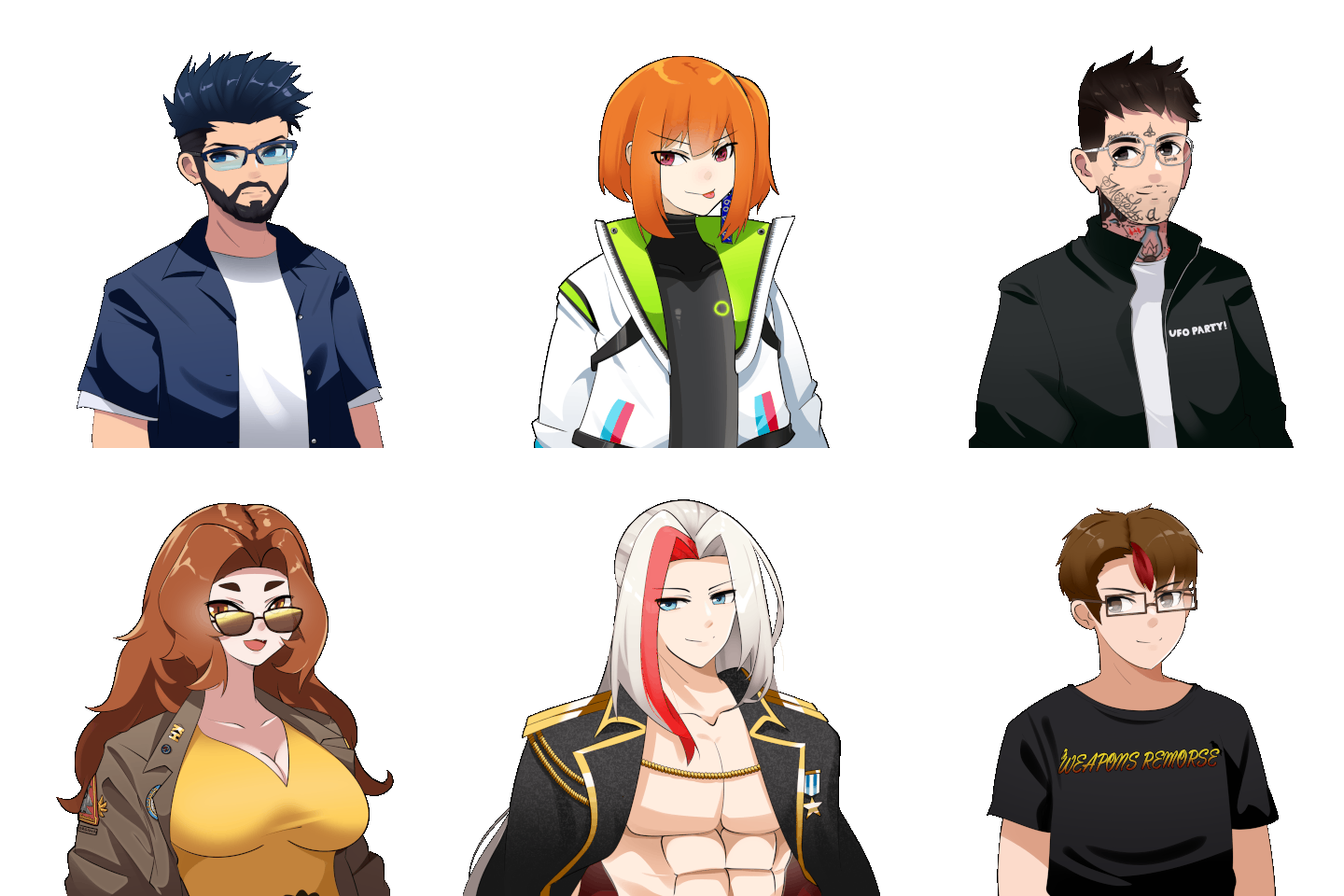
Work has been well underway to fulfill Kickstarter rewards. A lot of backers have had their character illustrations drawn up and billboards added to the game.
These new characters won’t show up in the demo (they are full game content), but the billboards will!
If you are a backer and we haven’t chatted yet about your billboard, car, or character submission, know that we’re working through everyone, and it has taken a bit more time than anticipated. I promise I’ll be in touch, and if you don’t hear from me, feel free to touch base via email or Discord at any time.
If you just had a “Name an NPC” submission or game pre-order, I may not reach out to you if you’ve filled out the backer survey, since it contains all the info I’ll need and is less hands-on. But you can still drop me a line if you have any concerns.
Just for fun, here are a bunch of the very cool backer characters we’ve completed so far. You’ll get to meet each of these folks along the game’s adventure!
Here are just a few of the billboard submissions as well.
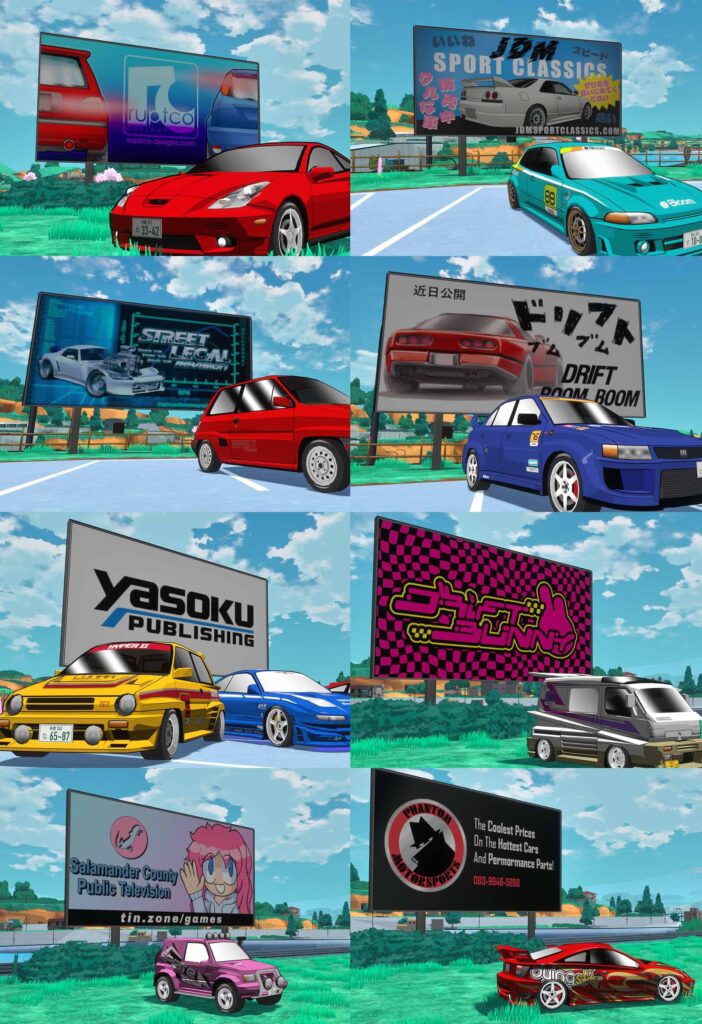
Kaido Genkai is really turning out to be a community project, and that makes me so happy. There’s some really cool stuff, and I thank everyone for their support.
Wallpapers
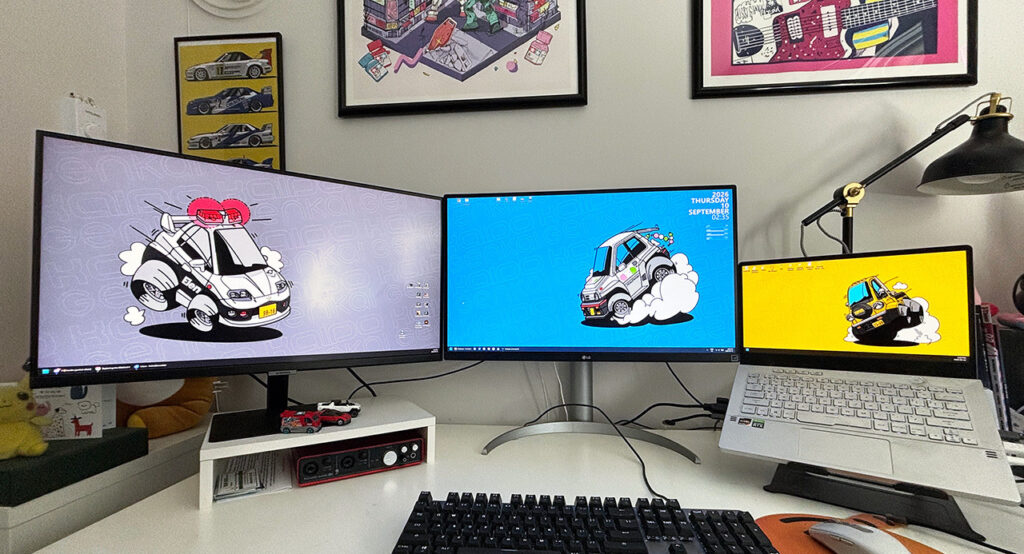
For Patreon supporters, I’ve released five special Patreon-only wallpapers in both 4K desktop and phone-sized variations.
If that’s something that interests you, check out the Patreon here! Your support goes directly toward funding the game: making it bigger and better.
Road Map
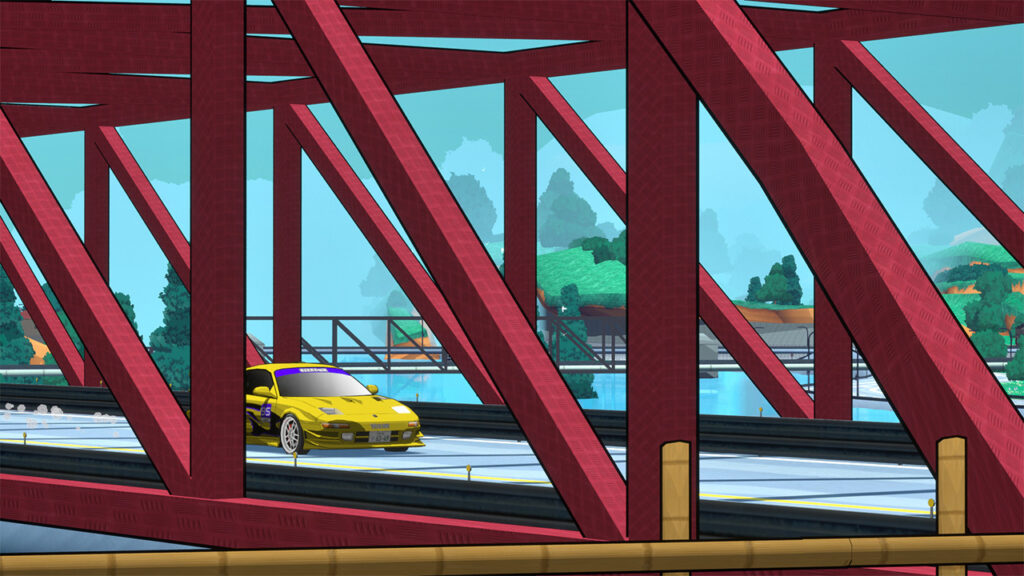
As mentioned earlier, the next steps will be to work on vehicle physics and NPC racer logic.
For player vehicles, I’d like to make them take corners better. And while Kaido Genkai is not a drift game, I’d like to improve the drift physics since people seem to really enjoy that.
For the NPCs, my focus will be on obstacle/opponent avoidance, following racing lines better (Lone Wolf absolutely loves getting stuck), and giving them the ability to turn around and hit a missed checkpoint. Currently, they’ll just blast by a checkpoint and if they miss it, they miss it.
I also have a huge list of other smaller bugs not worth mentioning here. Just know that if you noticed something weird or annoying, it’s more than likely already on my radar.
These updates will all be pushed to the public demo.
Once these fundamental updates are done, I’ll begin working on the next chapter of the game, which will be way more interesting for folks to hear about. This is where the new characters, cars, and map areas will come into play (pun intended).
As the game gets built out chapter by chapter, these updates will only be available on Patreon. Then, once all the chapters are complete, the game will be released to Early Access Kickstarter backers one month early, followed by the public launch. Exciting!
From The Community
Wrapping up this post now, here are some cool community art pieces pulled from Discord! I’m always impressed by the creative work folks bring to the table.
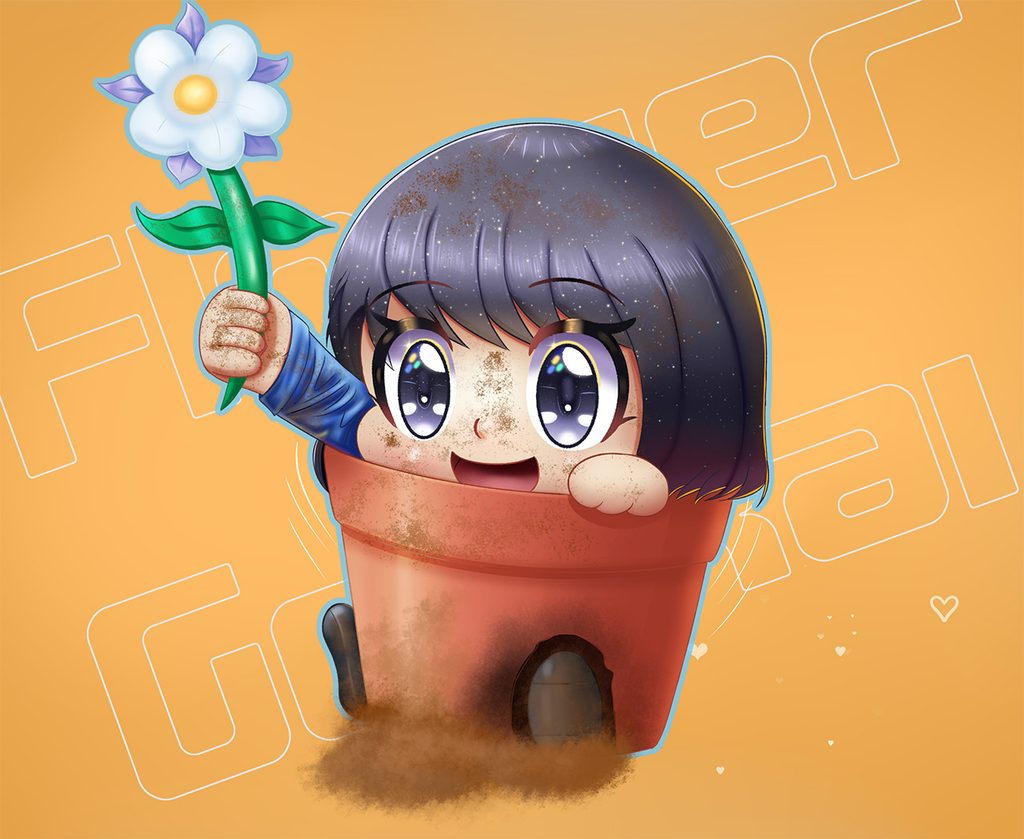
Flower Genkai by Patas De Pavo
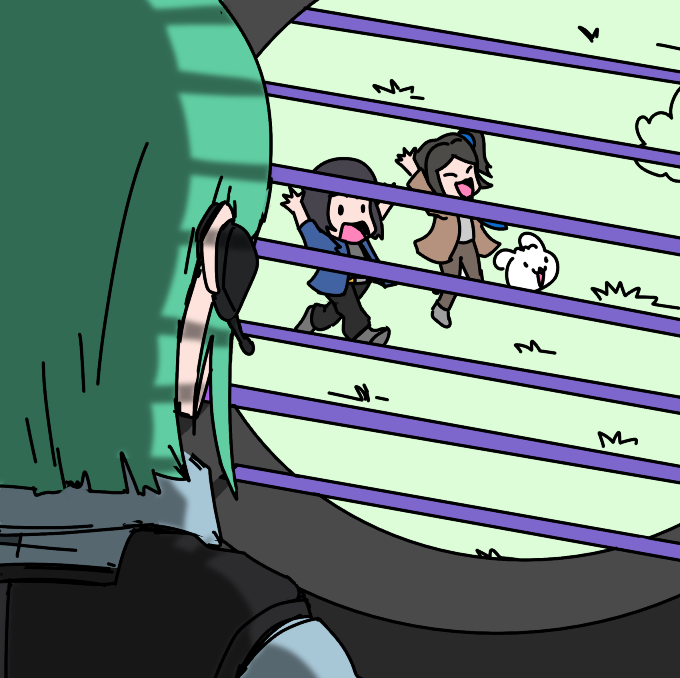
Poor Eien Officer by Rogue13
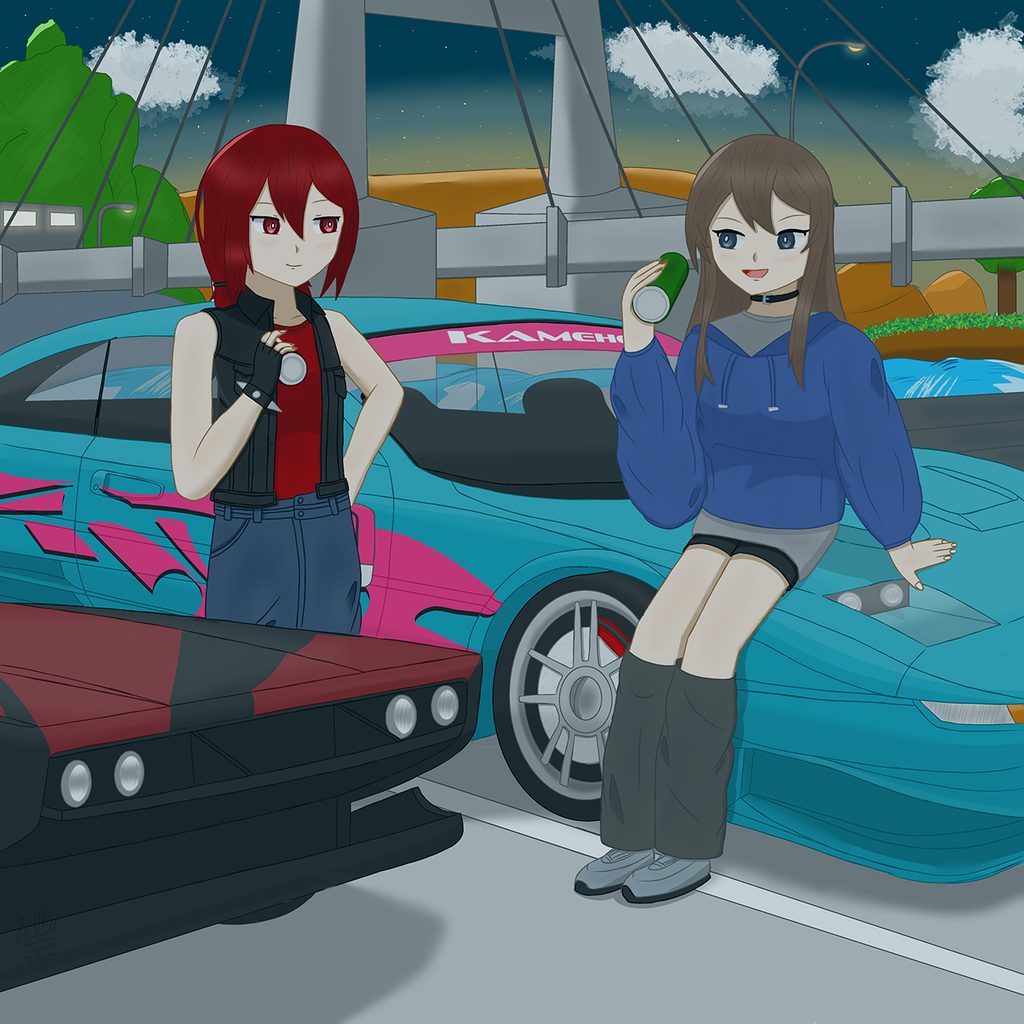
Red makes an exception for the Lone Wolf! Lovely work by Z.A.W.
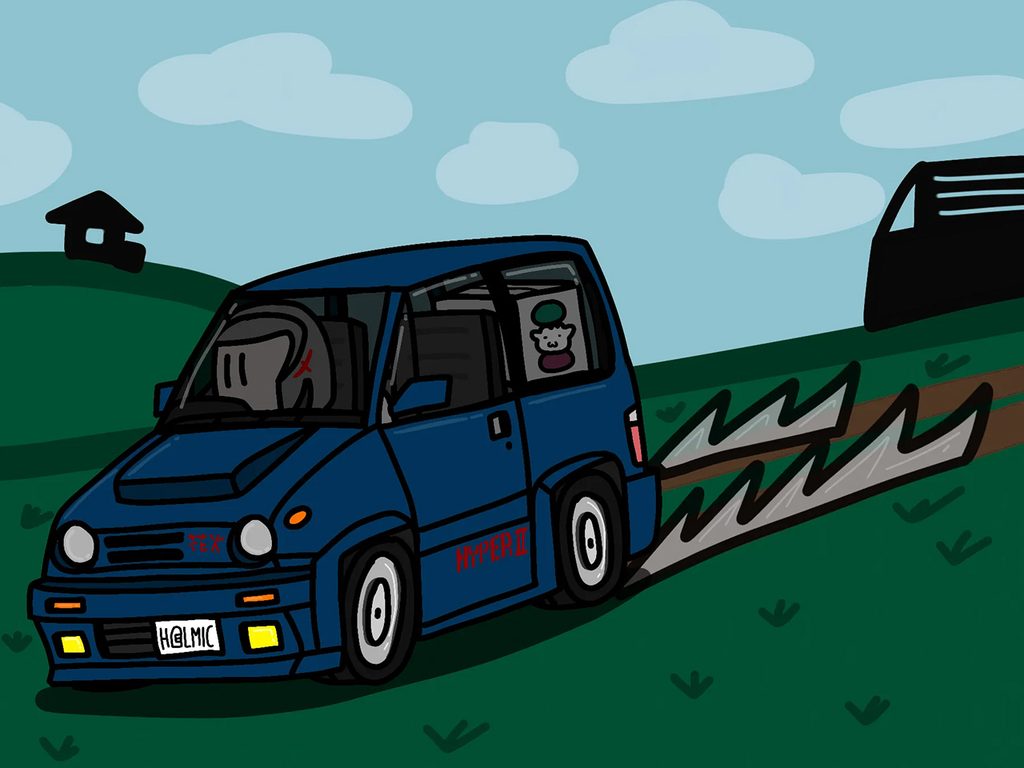
Offroading the Hyper II by Lencade
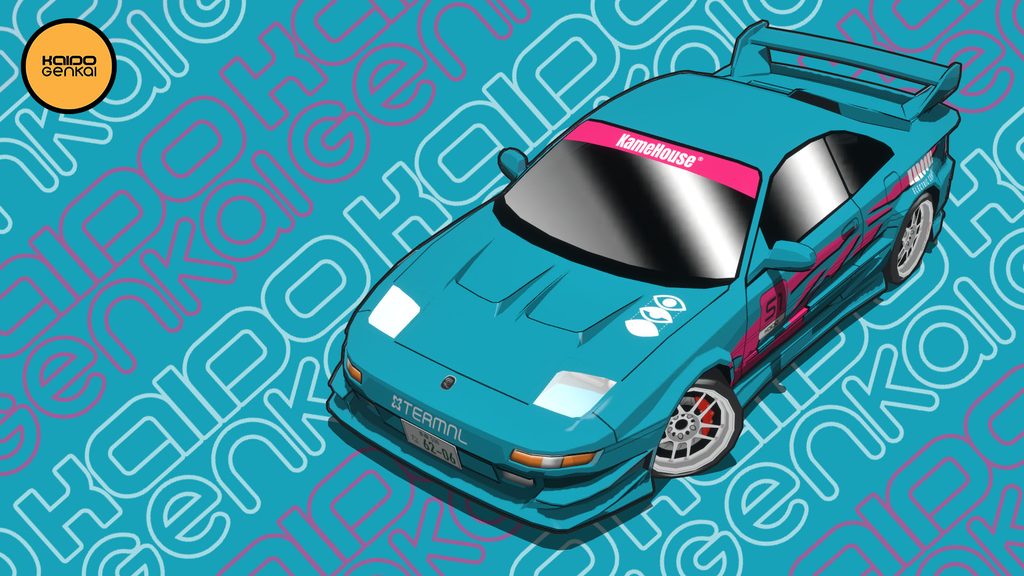
And a very stylish edit by GeoffJDM
That’s all for now! Thanks so much for reading this novel of a post, playing the game, supporting and sharing Kaido Genkai, and for allowing me the opportunity to dedicate my time to the game.
And an additional thank you to the community for bringing your personalities to the game universe – through your artwork, backer submissions, and by being part of the community on Discord, socials, Steam or similar platforms.
Best regards,
Karo
Kaido Genkai / Karoshi Electric Corporation